

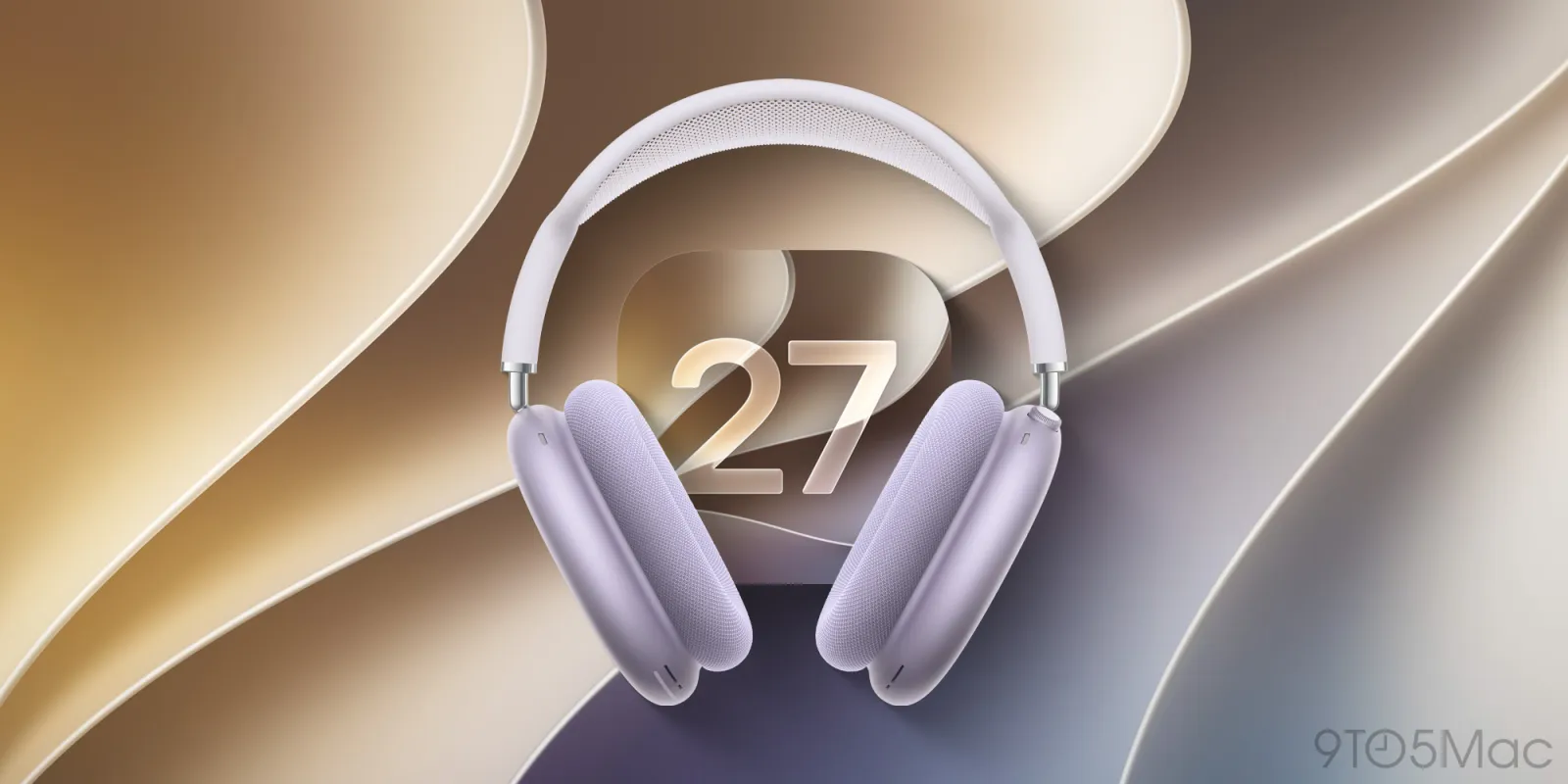
AirPods Max 2 firmware beta updates now available with iOS 27 and macOS 27 beta 2
 | Jun 22 2026 - 11:45 am PT
AirPods Max 2 owners running iOS 27 or macOS 27 Golden Gate beta 2 can now enroll their headphones in Apple’s firmware beta program. Here are the details.
Beta firmware updates now available on AirPods Max 2
When Apple released the first iOS 27 and macOS 27 betas, the company said that although AirPods Max 2 owners were unable to install beta firmware on their headphones, support would arrive with beta 2.
Following today’s releases, the option is now available. Users can enroll their AirPods Max 2 by enabling the AirPods Beta Updates toggle in the headphones’ settings.
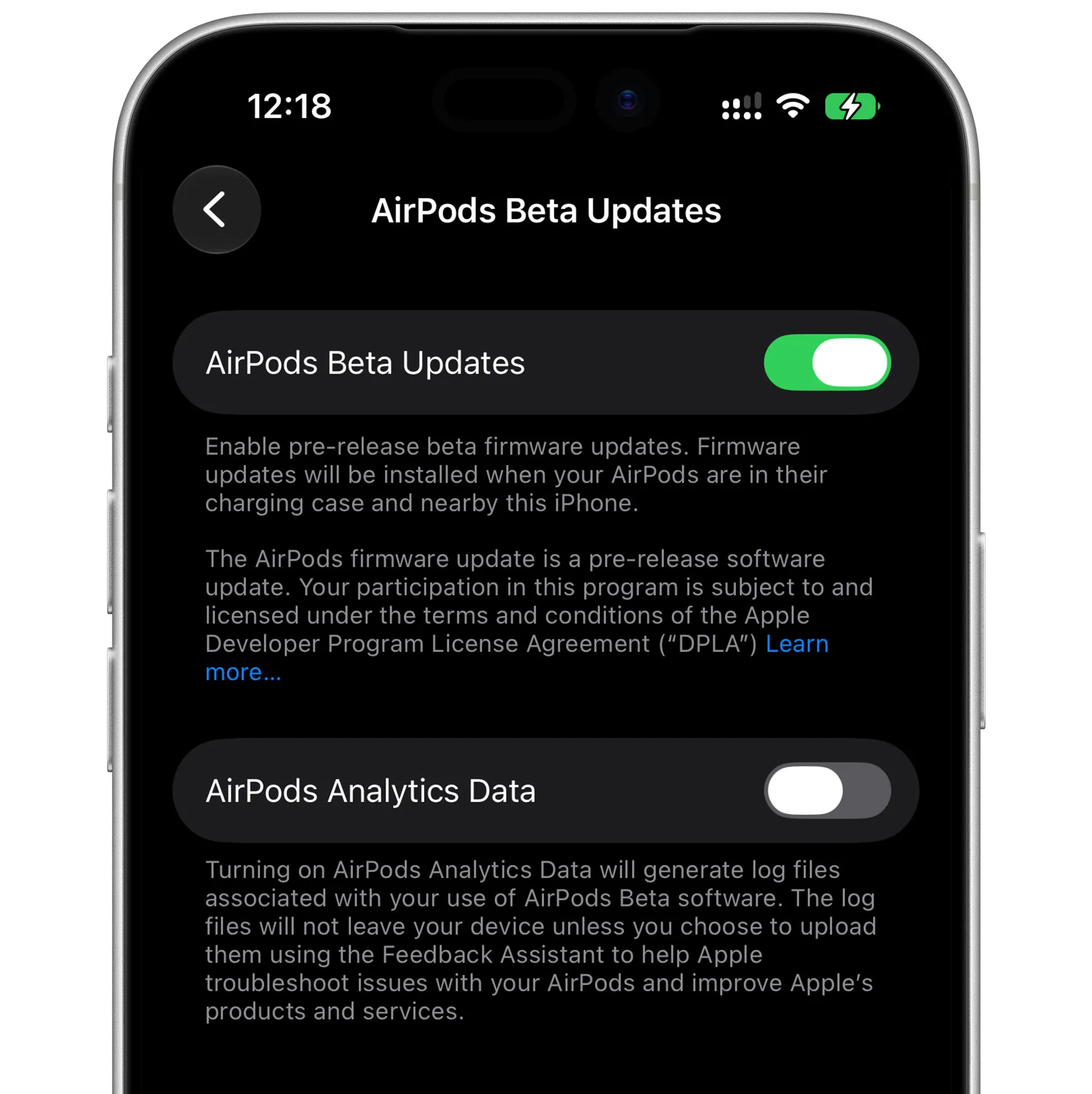
Apple notes that once users turn on the “AirPods Beta Updates” switch, “firmware updates will be installed when your AirPods are in their charging case and nearby” the paired iPhone or Mac.
Here are Apple’s official instructions for enrolling AirPods Max 2 in the beta program:
- Turn on beta updates
- For Mac computers running macOS 27 beta or later:
- To enable the AirPods beta, connect your AirPods to your Mac through the Bluetooth Settings. Go to System Settings > Bluetooth and select the (i) next to your AirPods. In the AirPods Settings menu, scroll down to find the “AirPods Beta Updates”. Use the toggle to enable the beta software updates.
- For iPhones and iPads running iOS 27 beta or later:
- To enable the AirPods beta, connect your AirPods to your iOS device. Go to Settings > Bluetooth and select the (i) next to your AirPods. In the AirPods Settings menu, scroll down to find the “AirPods Beta Updates”. Use the toggle to enable the beta software updates.
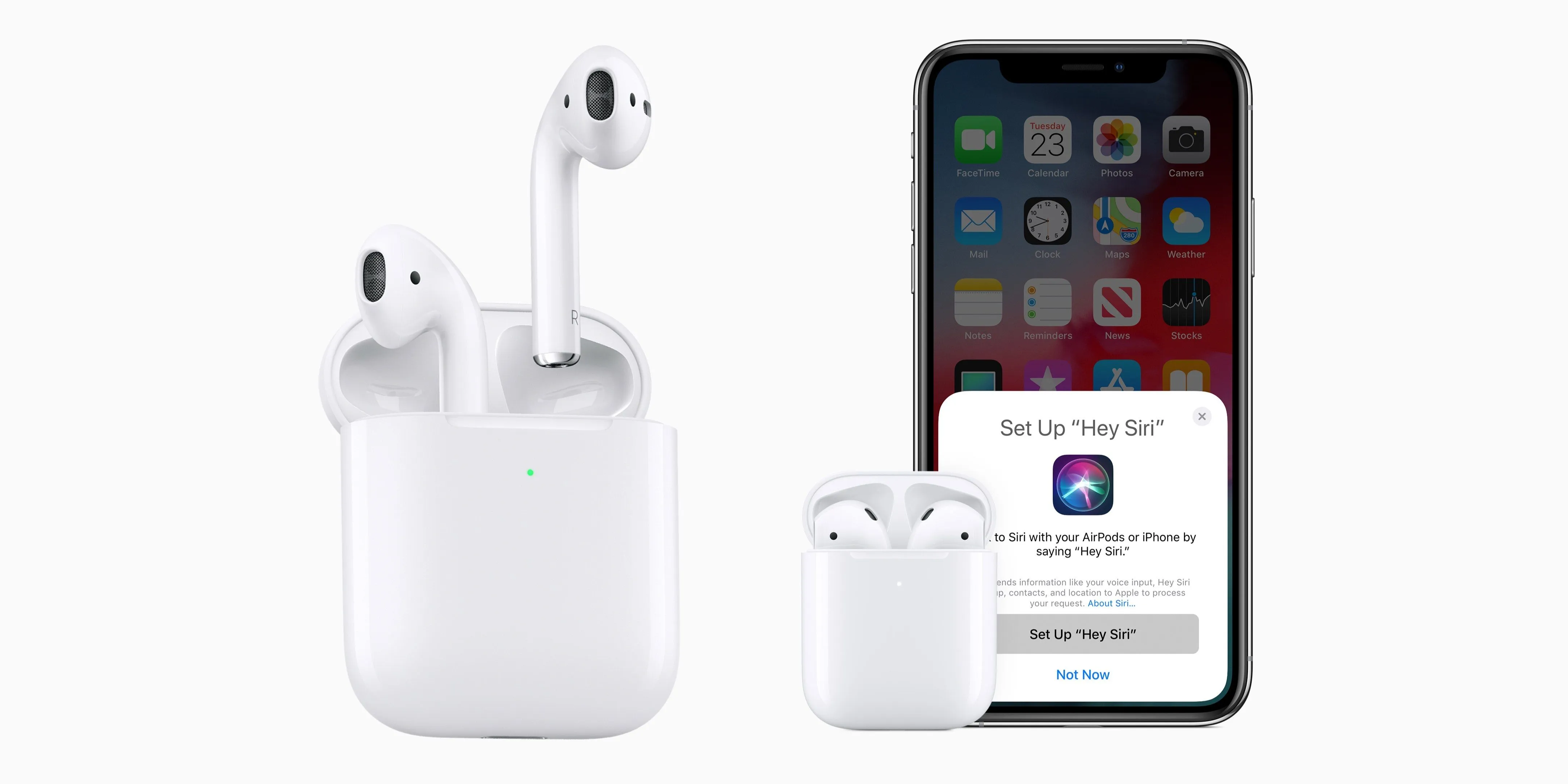
In addition to AirPods Max 2, firmware betas are also available on AirPods 4 with Active Noise Cancellation, AirPods 4, AirPods Pro 3, AirPods Pro 2 with MagSafe Charging Case (USB-C), and AirPods Pro 2 with MagSafe Charging Case (Lightning).
To learn more about AirPods beta firmware, follow this link.
h/t João Mendes
Worth checking out on Amazon
- Geoffrey Cain – ‘Steve Jobs in Exile’
- David Pogue – ’Apple: The First 50 Years’
- MacBook Neo
- Logitech MX Master 4
- AirPods Pro 3
- AirTag (2nd Generation) – 4 Pack
- Apple Watch Series 11
- Wireless CarPlay adapter


FTC: We use income earning auto affiliate links. More.



Source link



Comments