Affiliate links on Android Authority may earn us a commission. Learn more.
Google wants you using Gemini Notebooks, and will make adding new files a breeze


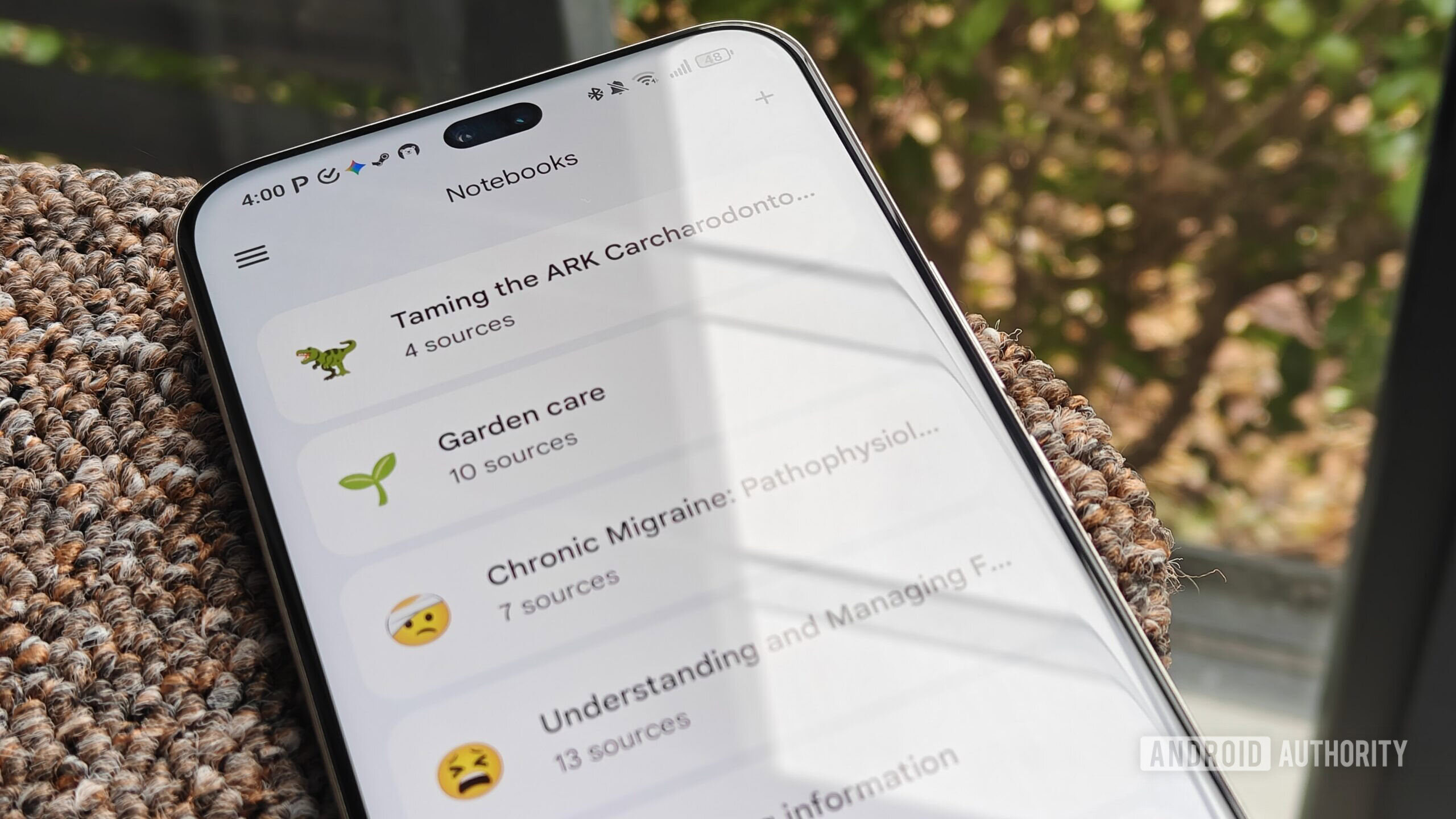
- Just like NotebookLM itself, Google brought support for Notebooks of source files to Gemini earlier this year.
- Now Google’s working to let you add files directly to Gemini Notebooks through the Android share sheet.
- You’ll be able to select specific Notebooks where you want your files to end up.
If you’re looking to get the most utility out of Gemini, what you put into it matters quite a bit. Earlier this year, Google gave us a great new tool for managing the content we wanted Gemini having access to, as it brought support for Notebooks to Gemini. And now Google appears to be working on a handy new way to make it easy to make sure those Notebooks are full of all the information we want in there.
With NotebookLM itself, you can quickly add content from your other Android apps by taking advantage of the platform’s share sheet. So far, though, we haven’t had anything like that with Gemini Notebooks. But with the new version 17.32.26.sa.arm64 update of the Google app for Android, we’re can see that developers are making progress at building out just that.
You won’t see this on your own phone right now, but the groundwork is already in place to add Gemini Notebooks to the system share sheet. You may not get this option when working with all file types, but it should show up for images, audio, videos, PDFs, TXT files, other documents, and ZIP archives.

But what if you’re really taking full advantage of this Gemini feature, and you’ve already got a whole bunch of different Notebooks you’re working with? Not a problem! Once you choose this option from the share sheet, you’ll see a list of your existing Notebooks, as well as have the opportunity to create a new one. You’ll also see the upload progress as these new files get added to their destination Notebooks:
We’re even seeing work to streamline that selection process even further, populating the share sheet with direct links to individual Notebooks:

None of these additions feel remotely controversial, and this is really just Google catching up to make interacting with Notebooks equally fleshed out no matter where you’re working with them. We can’t yet say when Google might ultimately push this change live, but progress appears to be decently far along, so hopefully we won’t be waiting very much longer.
Thank you for being part of our community. Read our Comment Policy before posting.
Source link