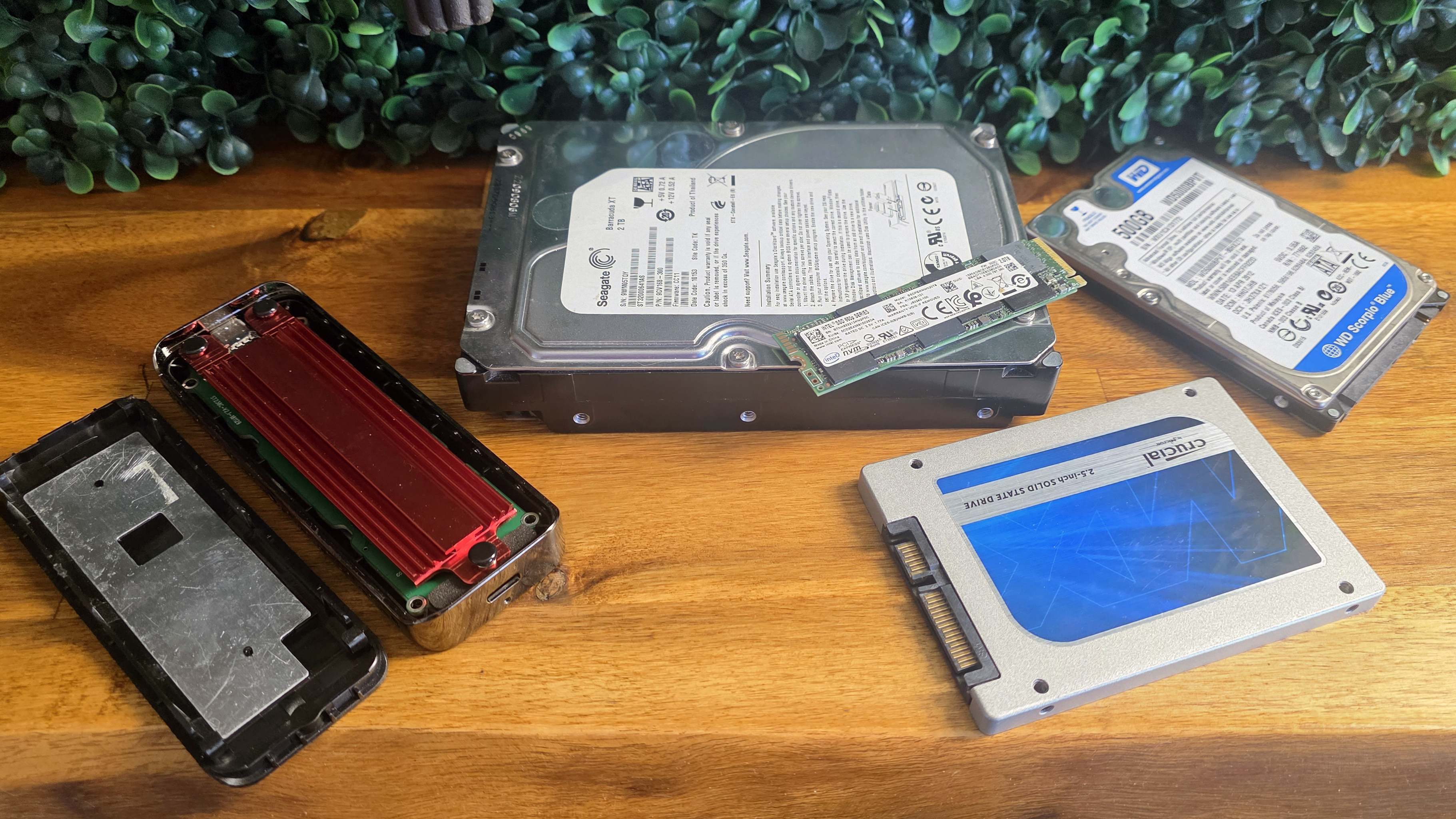
Thanks to ongoing AI-driven demand, trying to find any kind of storage, be it SSD or HDD, on sale at a reasonable price is next to impossible, even during deals events like Amazon’s Prime Day. But if you’ve been a PC builder or even a laptop user for several years, there’s a good chance you have a drive of some kind sitting in a drawer or the back of a closet, doing nothing more useful than collecting dust.
Whether it’s a SATA SSD, an NVMe or SATA M.2 drive that you swapped out for a faster or higher-capacity option in the before times, or even an old-school hard drive, you can drop it into an affordable USB enclosure, plug it into one of your ports, and perhaps save yourself hundreds over what you’d have to pay for a new drive at today’s awful storage prices.
Our Best SSD and hard drive enclosures page collects the best enclosures we’ve personally tested. But we’ll include some on-sale options below, as well as enclosures for older drive types, since these hard times for storage might have you reaching back to some truly old drives that can still be useful. Of course, for those who crave fast throughput and have a fast drive to drop in, we’ll also include a 40Gbps option.
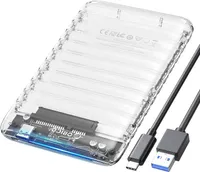
A solid, see-through enclosure for 2.5-inch SATA SSDs or hard drives
There are cheaper 2.5-inch SATA SSD / HDD options, but this option from Orico uses a modern USB-C cable, rather than the more common (for some reason) Micro USB-B connection. This is important, both because Micro-B is rare these days, so you might misplace the cable.
But also, should you want to use a USB-C connector on your PC, rather than the USB-A cable that this enclosure ships with, you probably already have a suitable USB-C to USB-C cable. With other enclosures, you'd almost certainly have to order a Micro-B to USB-C cable. And no one wants one of those if they can avoid it.
A sub-$15 10 Gbps NVMe and SATA M.2 enclosure
Unless you're digging some SATA drives out of storage, the most likely (and speediest) option for putting an old drive to use as external storage is an M.2 drive. Older models might be SATA, but newer, faster options use the NVMe protocol. The tool-free option below supports both, as well as all the common physical M.2 form factors.
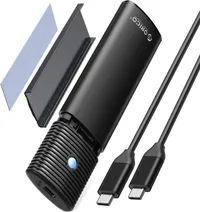
This enclosure supports speeds up to 10Gbps, which is fine for most mainstream uses. And it's unlikely most have a faster spare PCIe 4 or PCIe 5 drive to take full advantage of faster interfaces anyway. If you do, keep scrolling for a faster option, below.
Breaking out the big guns with a 3.5-inch external hard drive enclosure
If you’ve got a spacious 3.5-inch hard drive you want to make use of and don’t have the space for it inside your PC case, there are, of course, enclosures available for old-school desktop hard drives. And our favorite tested pick, from UGreen, is also on sale.
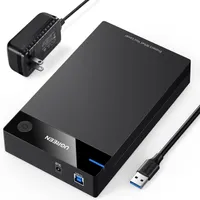
Despite its svelte size for the category, there's no denying the bulkiness here compared to 2.5-inch enclosures, not to mention the requirement of a power brick. But hey, it supports drives up to 20TB, and you can’t cram all those bits in a 2.5-inch drive.
The only real benefit of 3.5-inch external storage at this point is capacity and price. 2.5-inch hard drives top at 5-6TB, and 8TB SSDs these days usually cost $900 or more. But this enclosure from Ugreen supports up to 20TB drives. Just remember: backing up terabytes of essential data to a single hard drive, without another off-site backup, is a good way to ensure a future catastrophe. Always follow the 3-2-1 backup rule if your data is irreplaceable.
Affordable 40 Gbps external speed, if you need it
If you’re digging in a drawer for an older drive, there’s a fairly good chance it’s not up to delivering 40 Gbps speeds, so there’s no use in overpaying for a pricier enclosure with speeds your drive can’t deliver. But for those who do have a spare SSD that’s capable of speeds of 3,100 MB/s or more and want a fast enclosure, this model from Orico, if you clip the coupon, is one of the cheapest we’ve seen from a known brand.
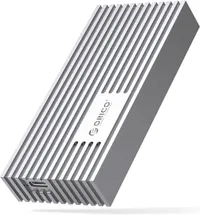
This is a fanless enclosure, and not as large as some other passively cooled options. So don't expect the fastest possible sustained performance, but Orico's enclosure supports speeds up to 3100 MB/s, as well as USB4, Thunderbolt, and older / slower USB protocols.

Source link