All Denshattack Creator Codes


William Parks is a Game Rant editor who specializes in puzzle games, indie releases, Nintendo titles, and completion-focused guide coverage. Since joining Game Rant in 2019, he has written and edited thousands of guides, with much of his work centered on helping players solve specific problems, track down hidden items, and make sense of tricky progression systems.
Before writing about games full time, William worked in arts administration after graduating from the University of Southern California’s School of Cinematic Arts. In that role, he collaborated with curators, artists, and institutions on contemporary exhibitions, an experience that helped shape his careful, research-driven approach to guides. His writing is built around clear structure, close observation, and making complicated objectives easier to follow.
William is especially drawn to games that reward curiosity and experimentation. He approaches guide writing from the perspective of a completionist, with an emphasis on practical advice that gets players where they need to go without wasting their time.
There are 14 creator codes in Denshattack that players can input at a Castle stage by pressing directional inputs in a specific order. Those codes unlock train skins and announcer voices connected to Ironmouse, CDawgVA, Limealicious, GEEGA, Rin Penrose, RTGame, Eyepatch Wolf, IRyS, Shiori Novella, Eric, Pazos, Rangu, KarmaDoc, and Enoc. All 14 Denshattack creator codes can be found below.
Denshattack Creator Codes

Here are the directional inputs for the 14 creator codes and details on what they unlock:
L = Left | R = Right | U = Up | D = Down
| Creator | Code | Unlock |
|---|---|---|
| Ironmouse | LDLDRURU | Sticker & Announcer Voice |
| CDawgVA | UUUDDDLR | Sticker & Announcer Voice |
| Limealicious | URDLURDL | Sticker & Announcer Voice |
| GEEGA | UULLDDRR | Sticker & Announcer Voice |
| Rin Penrose | ULULDRDR | Sticker & Announcer Voice |
| RTGame | RURULDLD | Sticker & Announcer Voice |
| Eyepatch Wolf | RRUULLDD | Sticker |
| IRyS | UDLRUDLR | Sticker & Announcer Voice |
| Shiori Novella | LRUDLRUD | Sticker & Announcer Voice |
| Eric | LLRRUDUD | Sticker & Announcer Voice |
| Pazos | UDUDLRLR | Sticker & Announcer Voice |
| Rangu | LRLRUDUD | Sticker & Announcer Voice |
| KarmaDoc | UUDDLRLR | Sticker |
| Enoc | URURDLDL | Sticker & Announcer Voice |
There are two more train stickers that you can unlock that are not connected to an influencer. They are unlocked with these codes: URRDLLUD and ULDRULDRU.
How to Use Codes


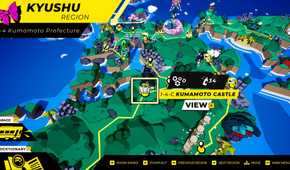
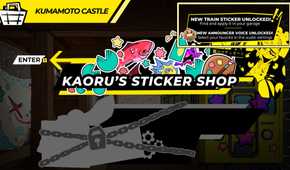
Follow these steps to use Denshattack codes:
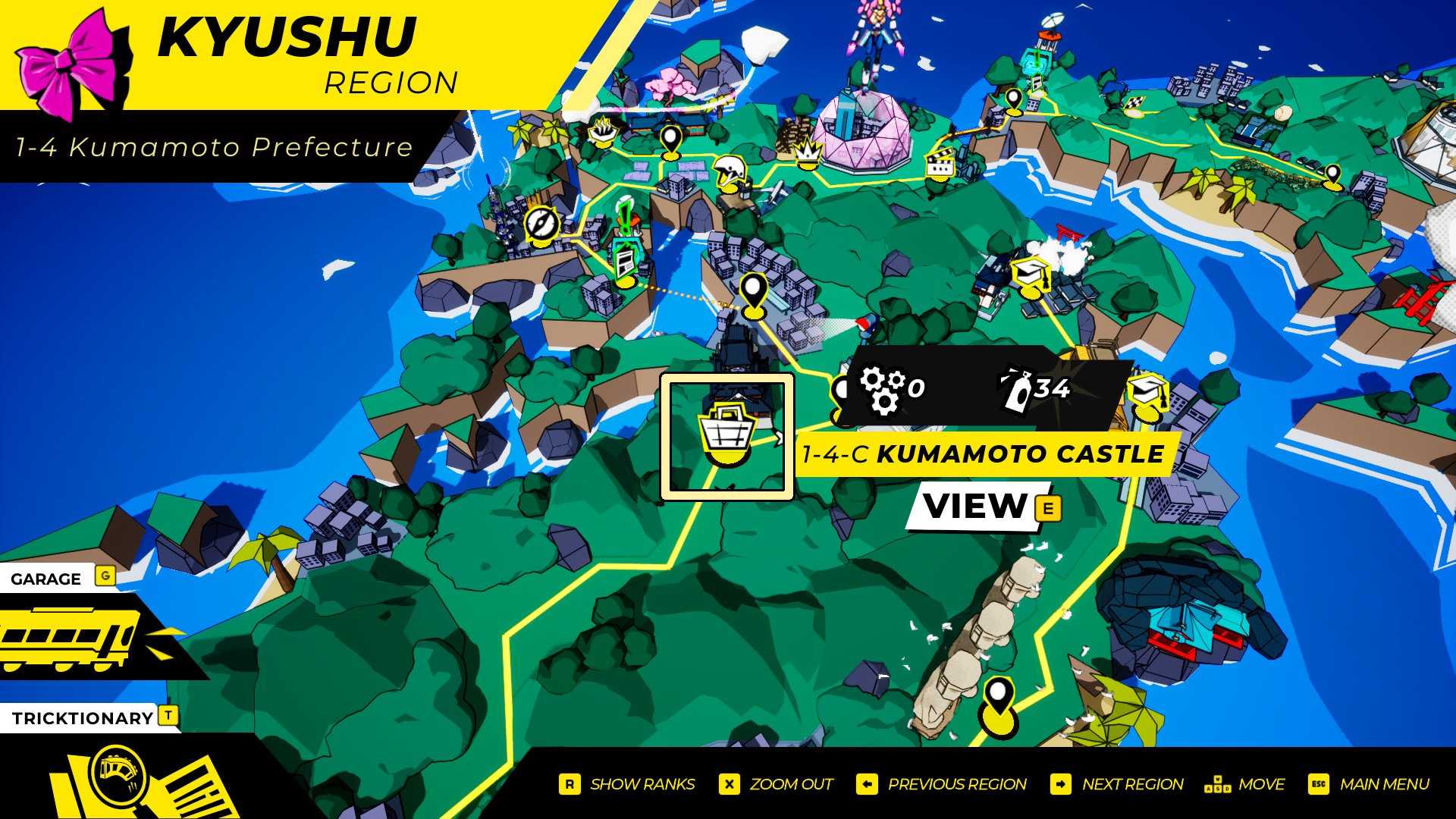
- Play until you reach a Castle stage. The first one is Kumamoto Castle (1-4-C).
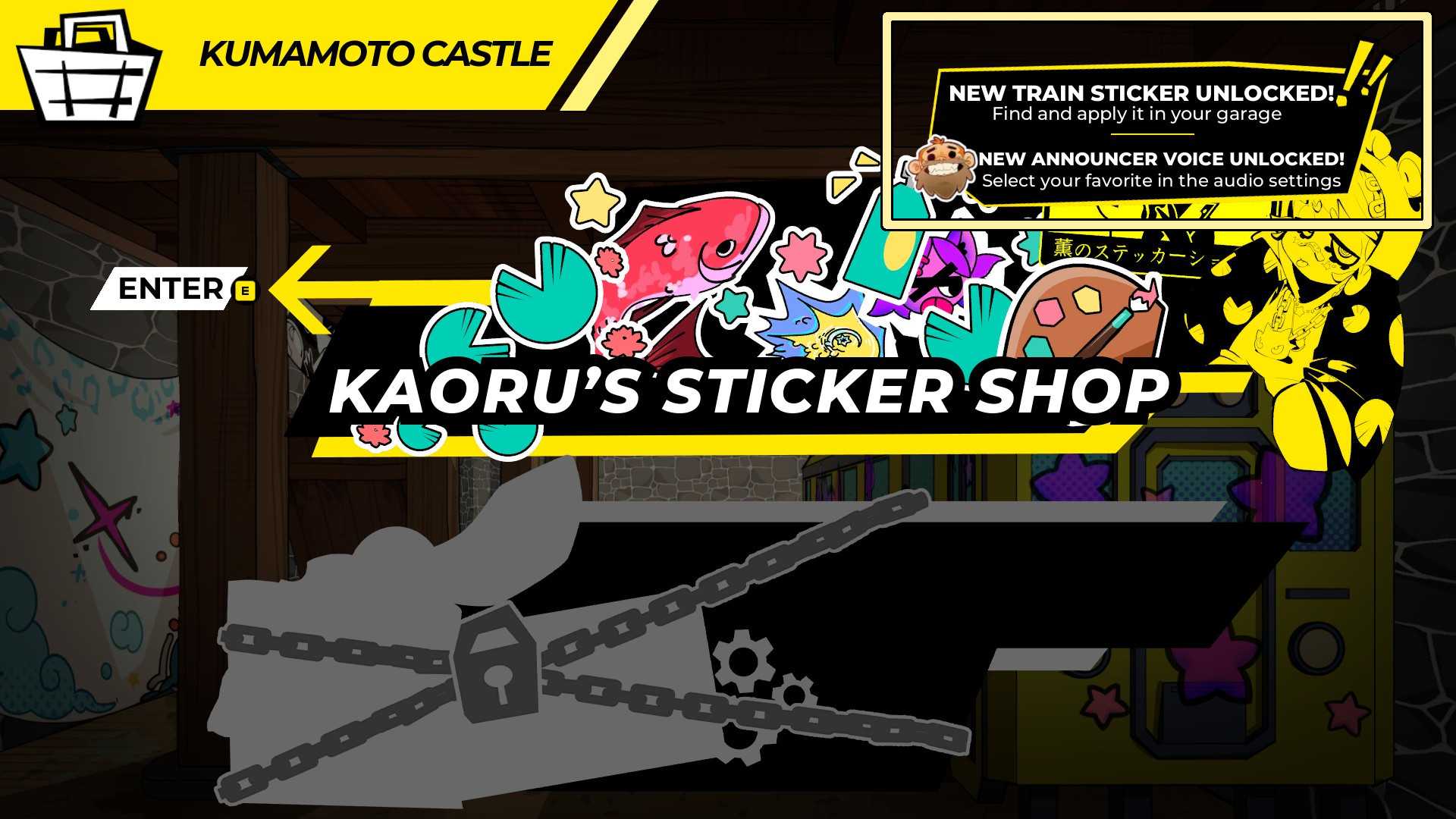
- Select the Castle, but do not enter the sticker shop.
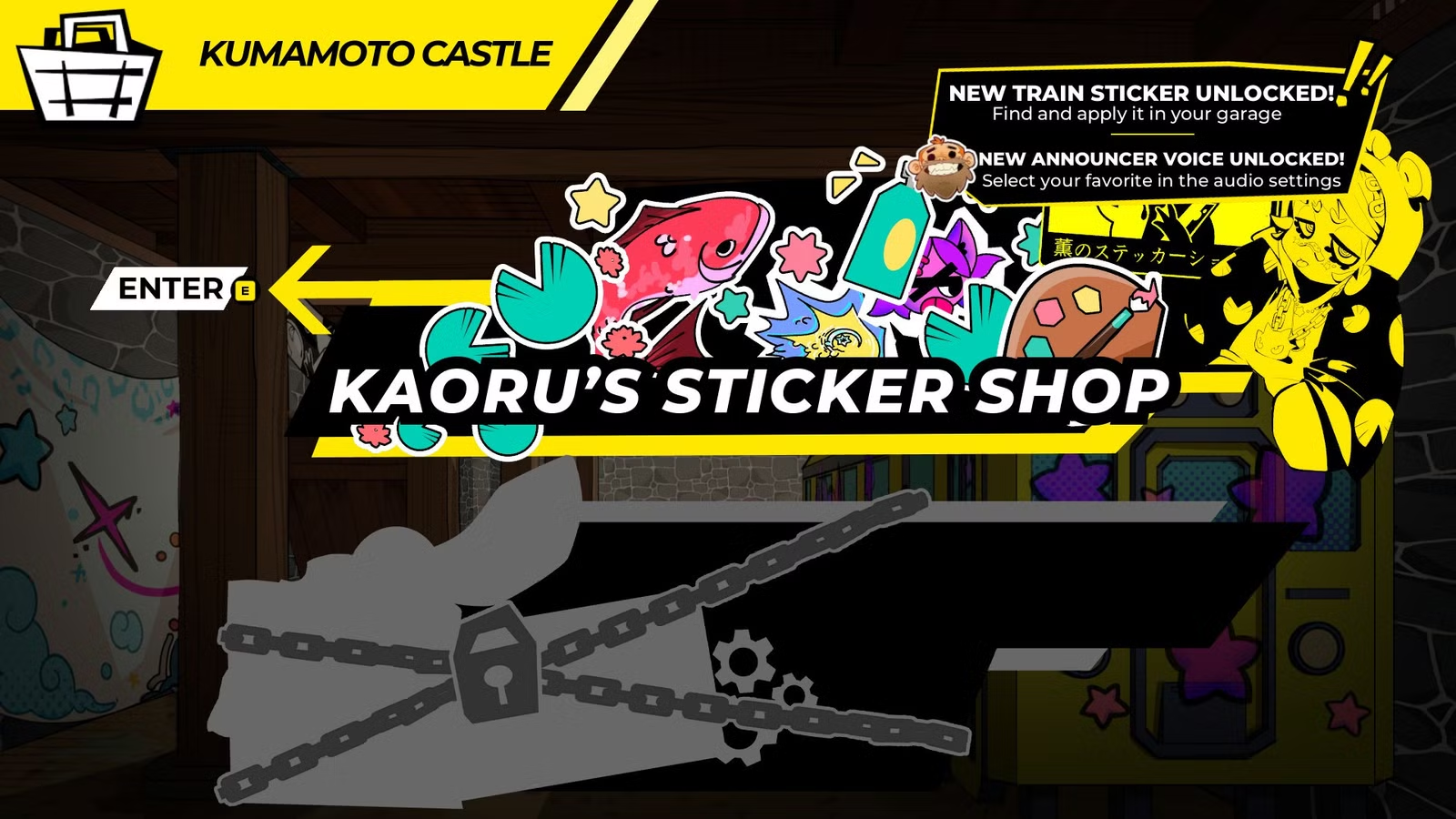
- Press the code inputs on your d-pad or keyboard. A notification appears in the top-right corner when a code is entered correctly.
Applying Stickers


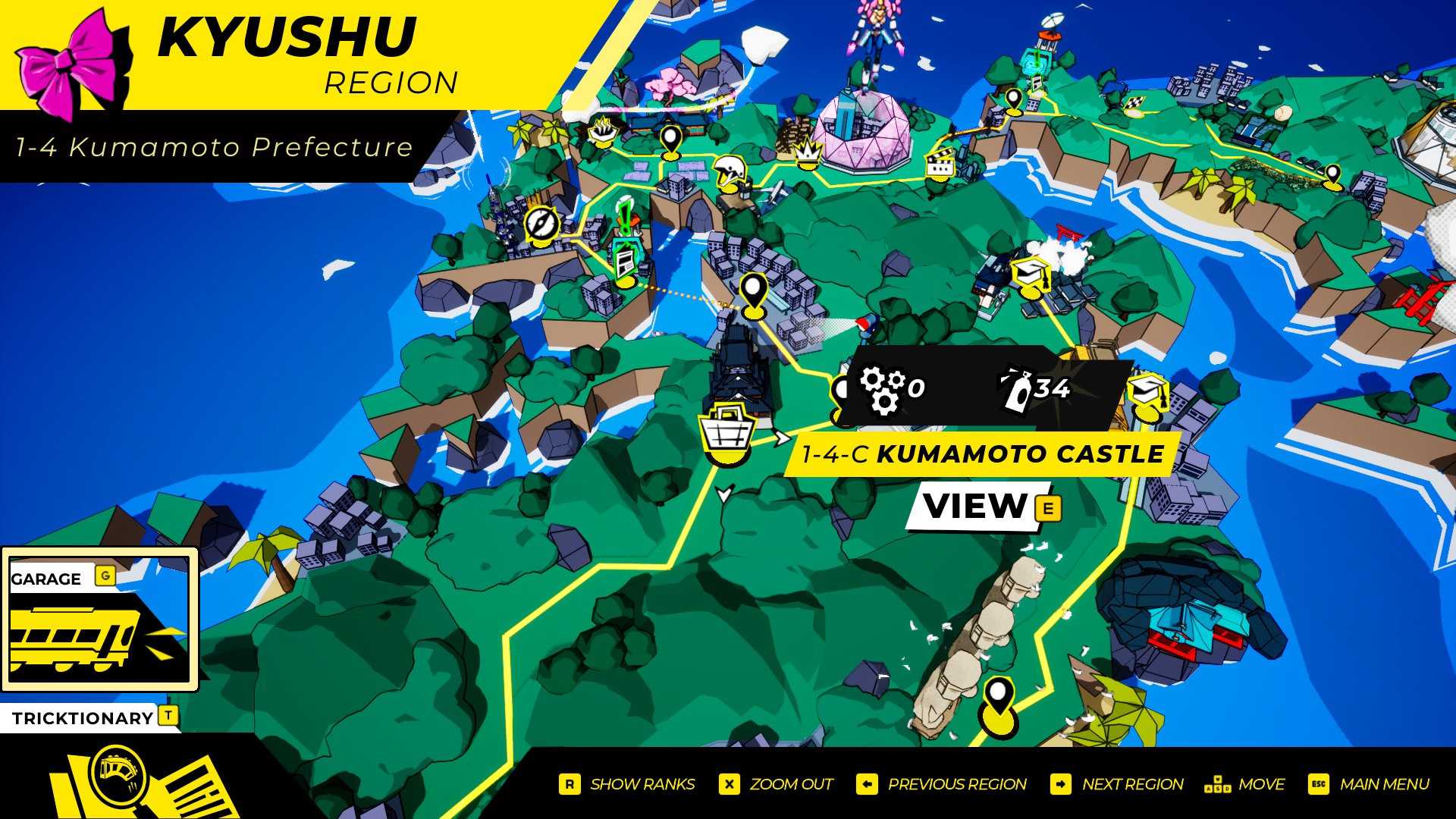
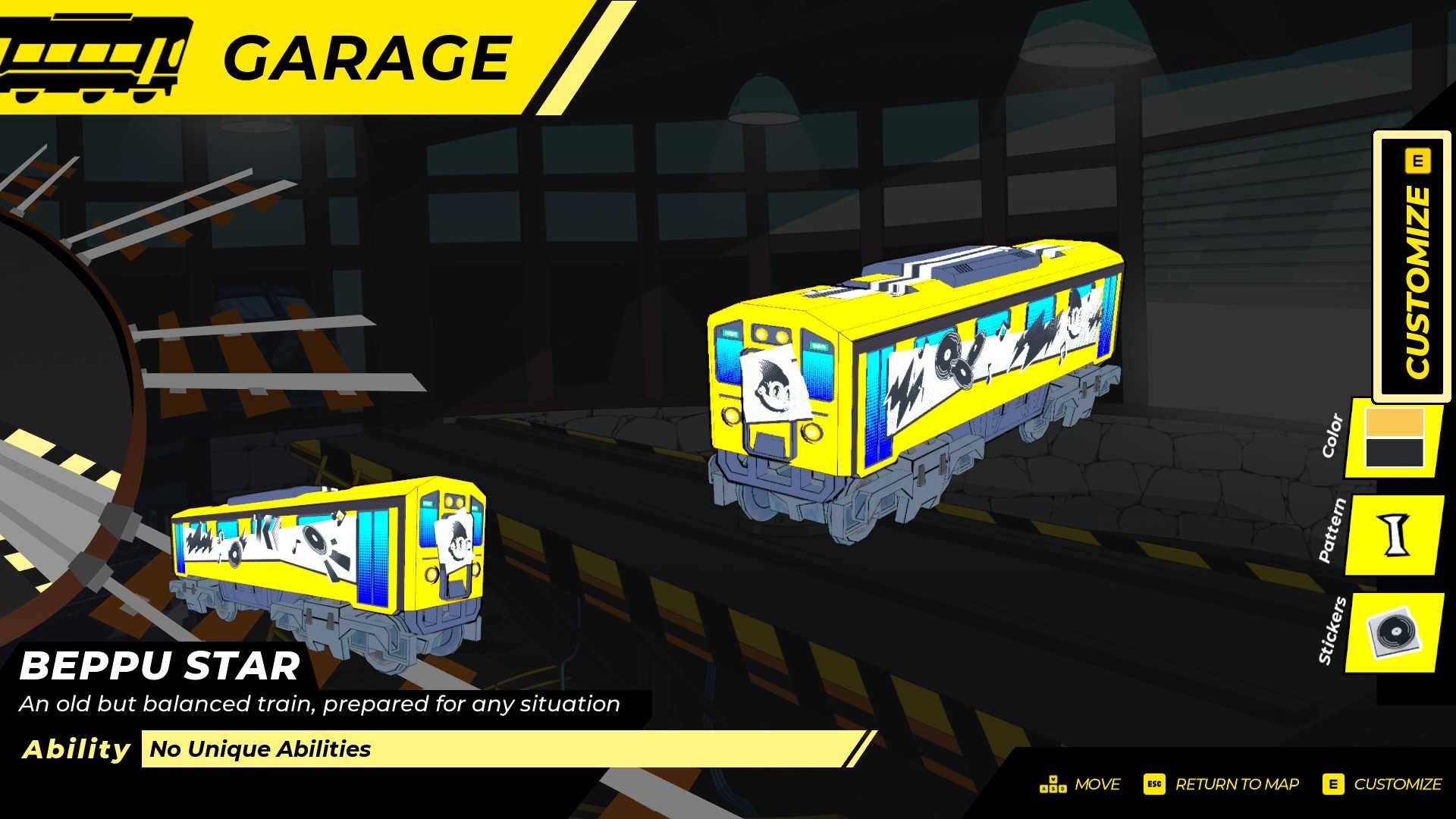
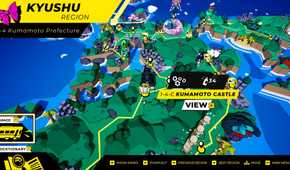
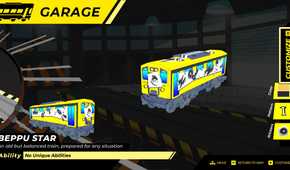
Once you've unlocked a sticker, you can apply it to your train with these steps:
- Return to the map.
- Press the Garage input shown in the bottom-left corner of the map.
- Press the Customize input shown on the right side of the garage.
- Navigate down to Stickers, select it, and choose the sticker you want to apply.
Activating Announcer Voices


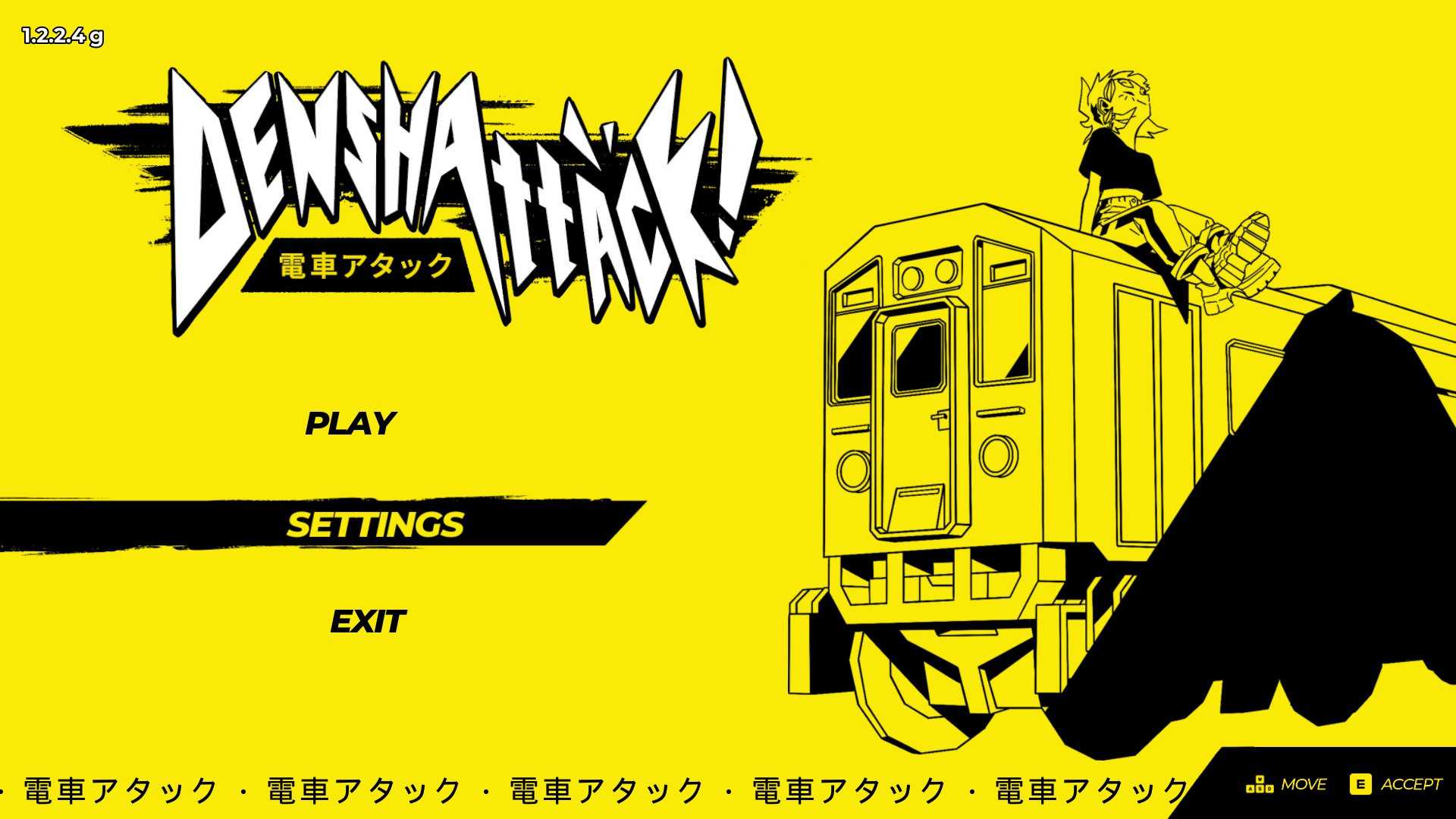
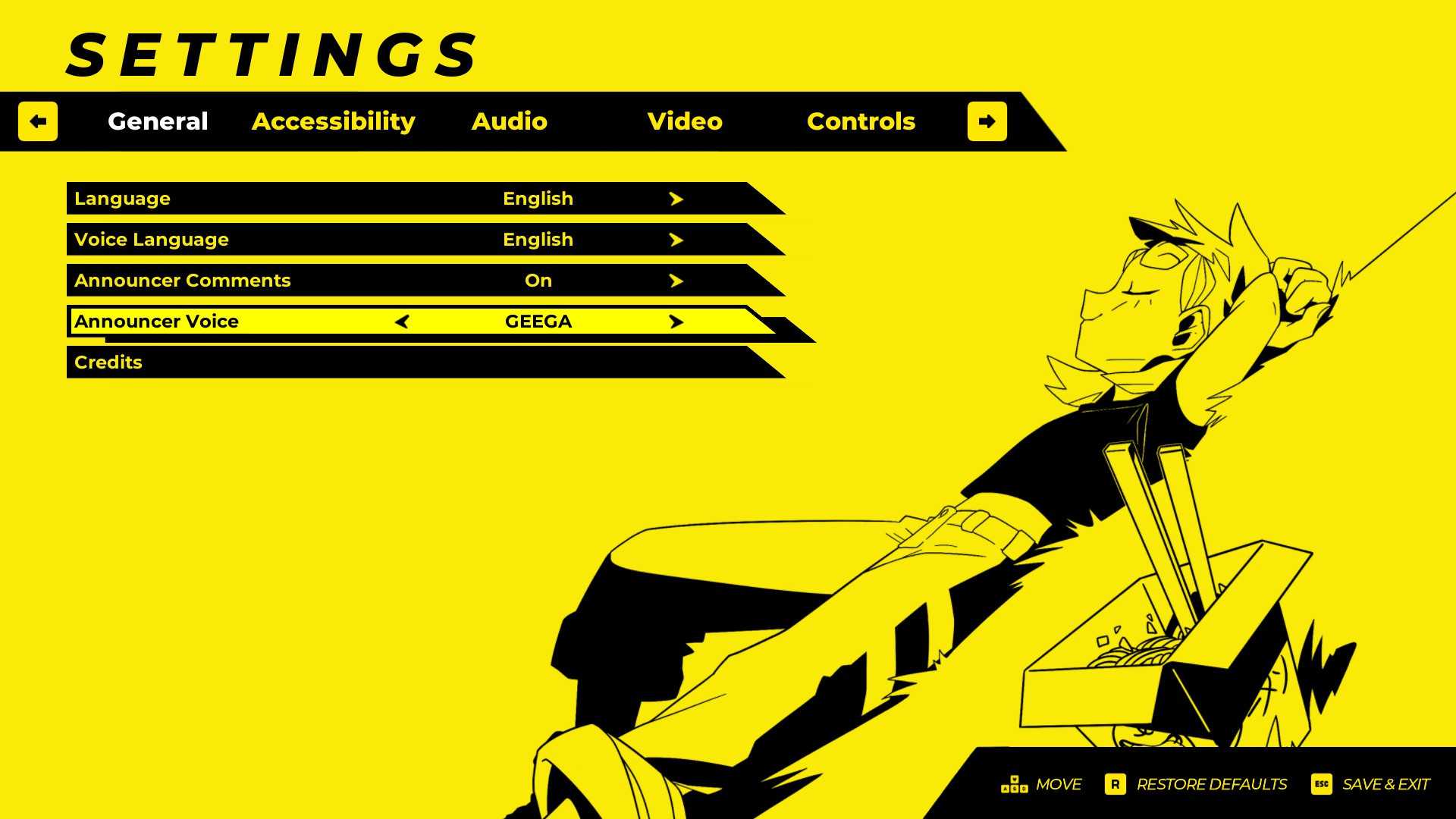
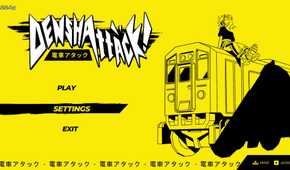
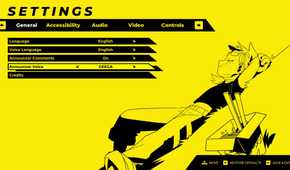
After unlocking an announcer voice, follow these steps to activate it:
- Return to the main menu.
- Select Settings.
- Navigate down to Announcer Voice in the General tab.
- Press left and right to switch through your unlocked announcer voices.




- Released
- July 15, 2026
- ESRB
- Everyone 10+ / Fantasy Violence
- Developer(s)
- Undercoders
- Publisher(s)
- Fireshine Games
- Number of Players
- Single-player




WHERE TO PLAY






Source link