Screenshots on the Analogue 3D are finally a thing thanks to update version 1.4.0, and it's been a long time coming. I've been waiting for the ability to snap 4K photos in some of my favorite N64 outings since the FPGA remake landed last year, but the feature is actually more advanced than I was expecting.
According to the Analogue 3D version 1.4.0 patch notes, the update will help you "capture, preserve, and share your favorite gameplay moments exactly as Analogue 3D renders it with Original Display Modes." Just like with modern systems, the retro console can now instantly snap a shot either using the star button on the 8Bitdo N64 controller or pressing Z + Start + R on a real pad, which can then be reminisced over in a dedicated gallery.
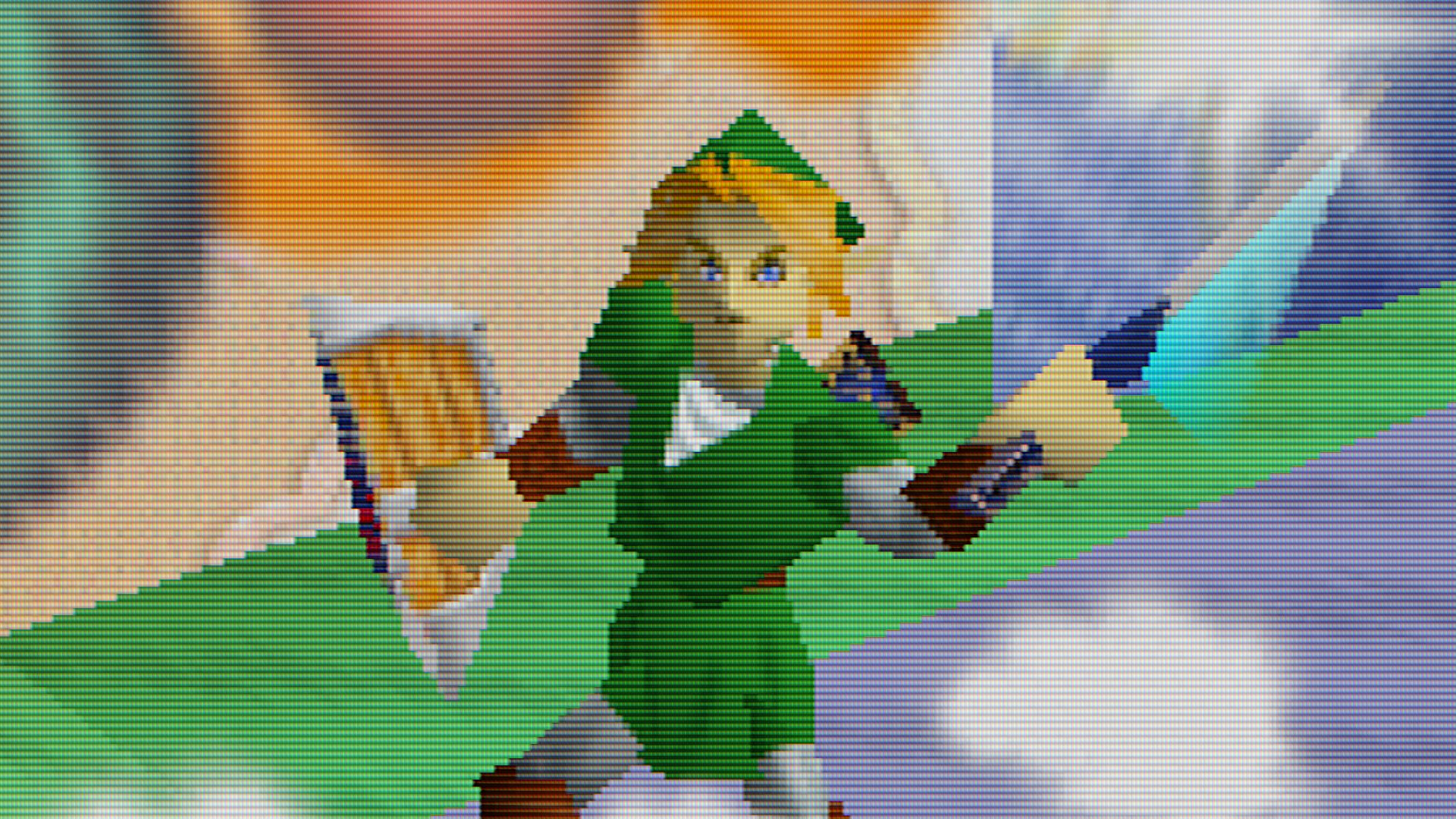
I was expecting the Analogue 3D's 4K N64 screenshots to be a basic screen grab, but now that I've finally got to grips with the virtual camera, it's actually way more impressive. Taking a snap actually works a bit like the Memories save state feature that debuted last month, only rather than sending you to a specific moment, it retains an in-game frame that you can then tweak just like you would with live game visuals.
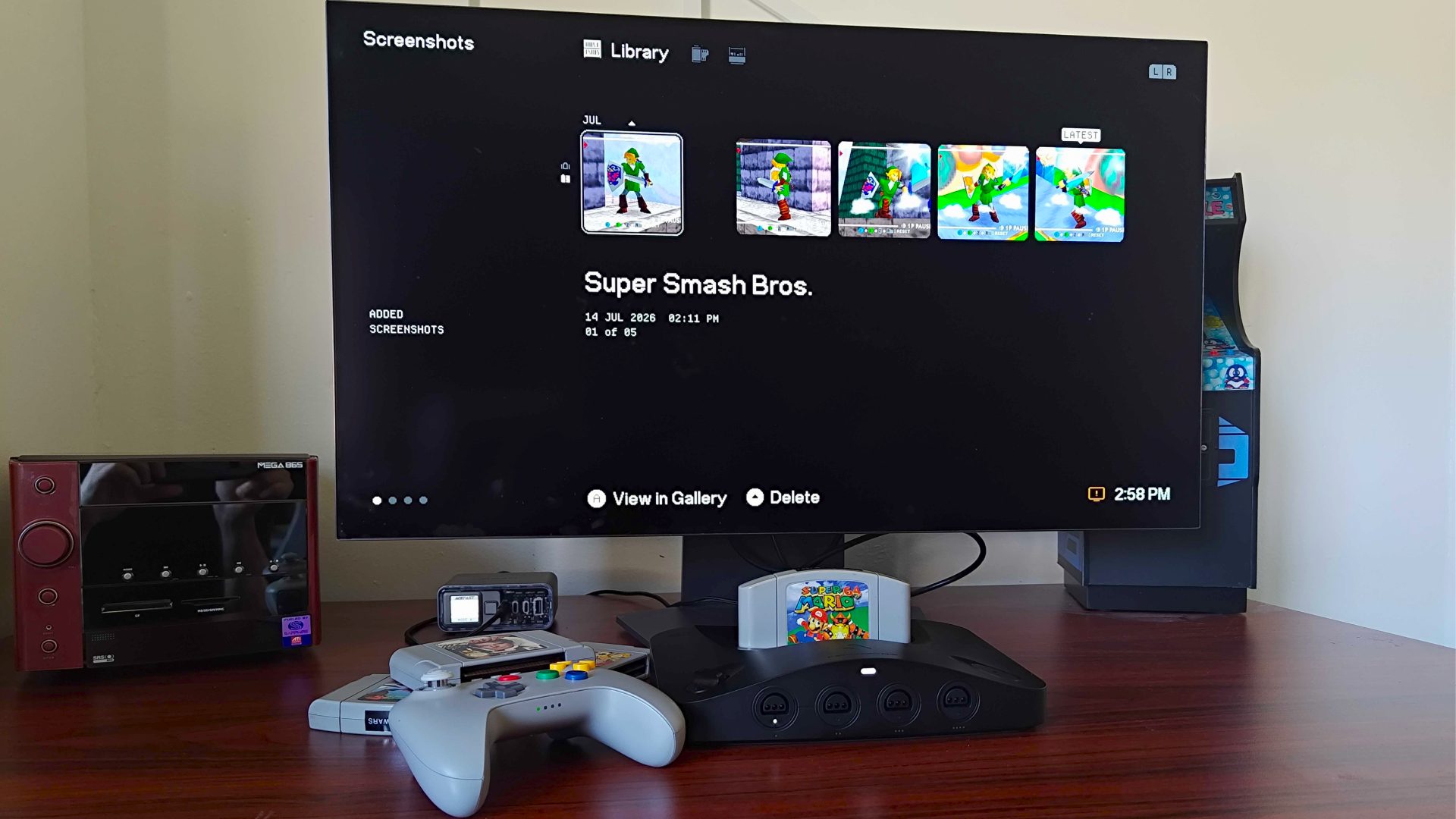
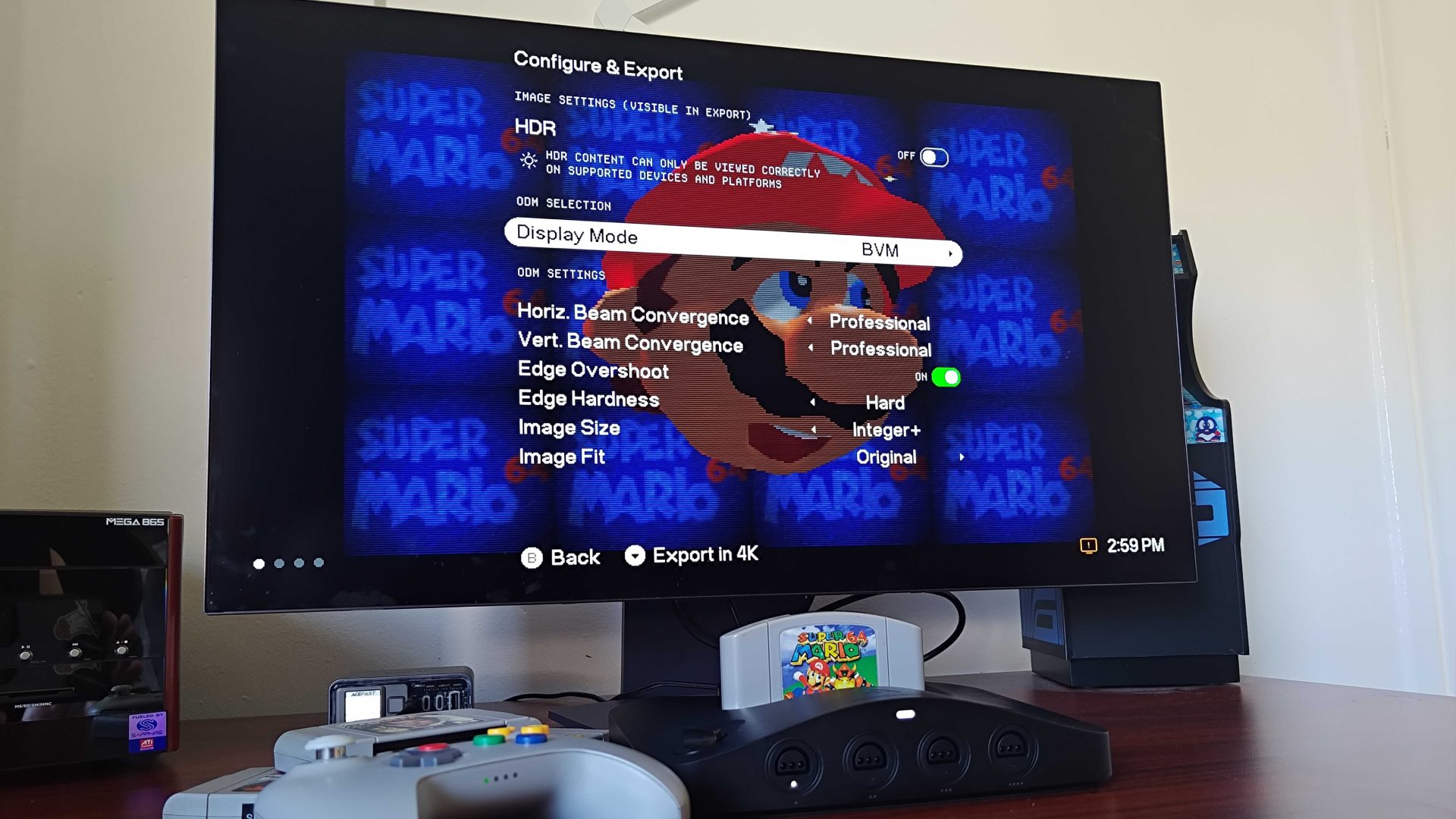
That means you can freeze a moment in an N64 game, mess around with all the CRT filters and effects normally available when running a game, then export an image file to the SD card when you're done. Effectively, you're not simply slapping effects on top of a screenshot; you're instead putting it through the same post-processing as the gameplay itself, which theoretically results in more authentic-looking screen grabs.
I spend a lot of time experimenting with how to connect retro consoles to modern TVs and monitors, and screen capturing can be a pain. Active gameplay can look one way on a display, while looking different entirely once you've used something to snap a frame, then uploaded it to other places where effects might not look like you intended.
By that, I mean that an N64 screenshot might look fantastic with Sony Trinitron aperture grille effects while playing, but various factors mean a screengrab could be portrayed differently when exported to other devices or subjected to online compression. It's for that reason that being able to switch between filter styles and toggle different effects like HDR after the fact is pretty neat, as it'll mean you don't have to start from scratch to get something that looks universally "right".
For a while now, I've been itching to start a retro gaming snap book filled with "memories" of my classic capers. The basic idea is that every time I complete a game, I'll print off a bunch of screenshots highlighting the journey and iconic moments, then stick them onto a page alongside some field notes and scribbles.
Yes, the project ties to my longing desire to disconnect from the internet, and the Analogue 3D will partially help with that. Getting the screenshots off of the 4K N64 still requires accessing the SD card using a modern device, sure, but I could technically turn the ritual of sharing gameplay with friends into a purely analogue experience that doesn't involve logging into accounts or uploading JPEGs to social media.
That said, I would welcome more Analogue 3D Wi-Fi features should they be in the pipeline for the future. As of yet, the console maker hasn't enabled the device's internet connectivity, but it could be used to wirelessly grab saved screenshots or even directly upload them online. Now that we have the screenshots and gallery feature, the stage is absolutely set for that functionality, and I'm looking forward to seeing more Nintendo 64 photo albums pop up across the net.
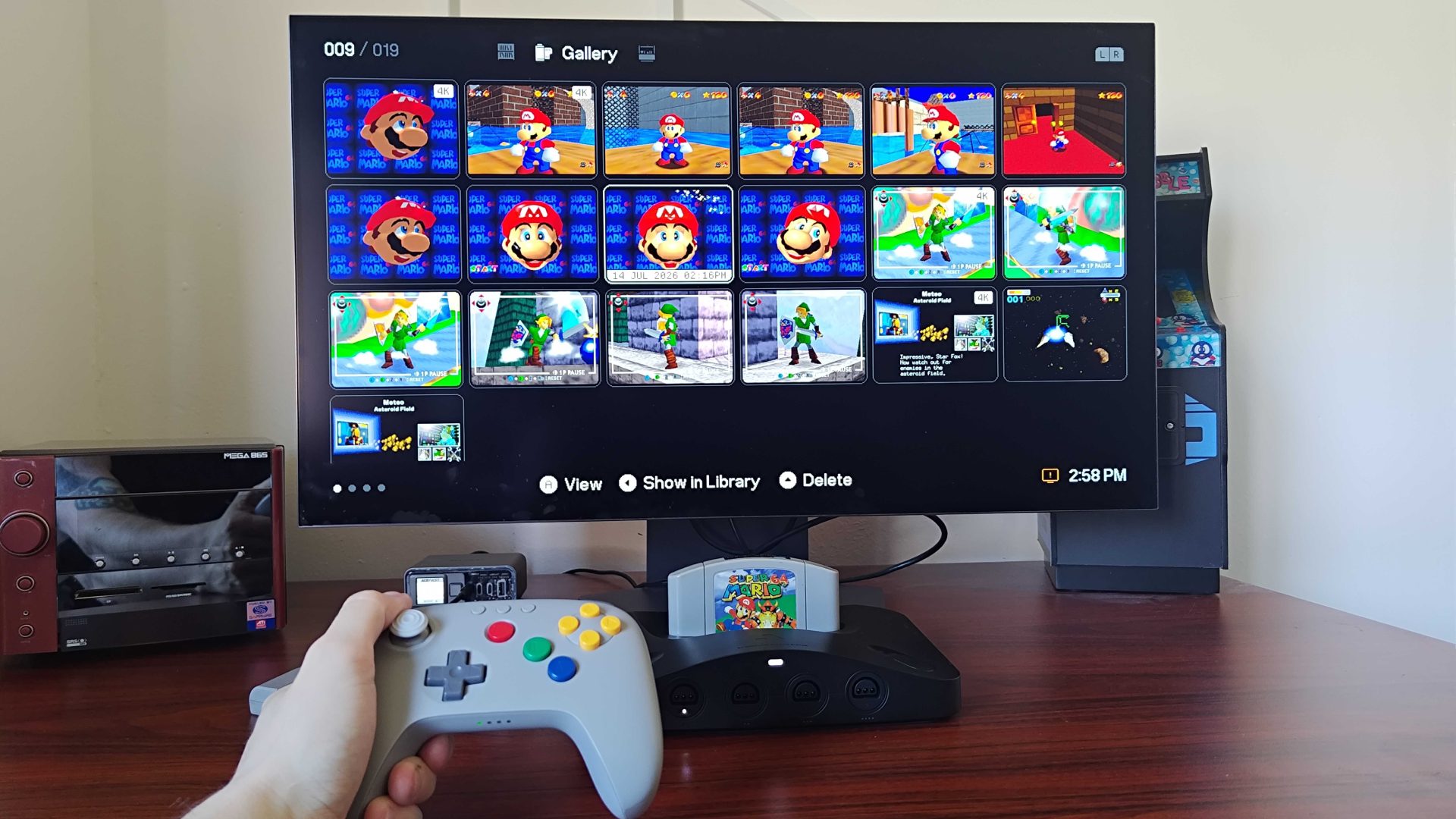
If you need more of a reason to fetch Analogue 3D update version 1.4.0, just know that it also adds some visual polish to the OS, improves thumbnail load times, and applies fixes to quirks with d-pad navigation and multiple Controller Paks in San Francisco Rush.
Swing by the best retro controllers if you're on the hunt for the perfect N64 pad.
Source link