
Adobe expands Firefly capabilities, extends agentic tools to Creative Cloud apps
 | Jun 18 2026 - 6:00 am PT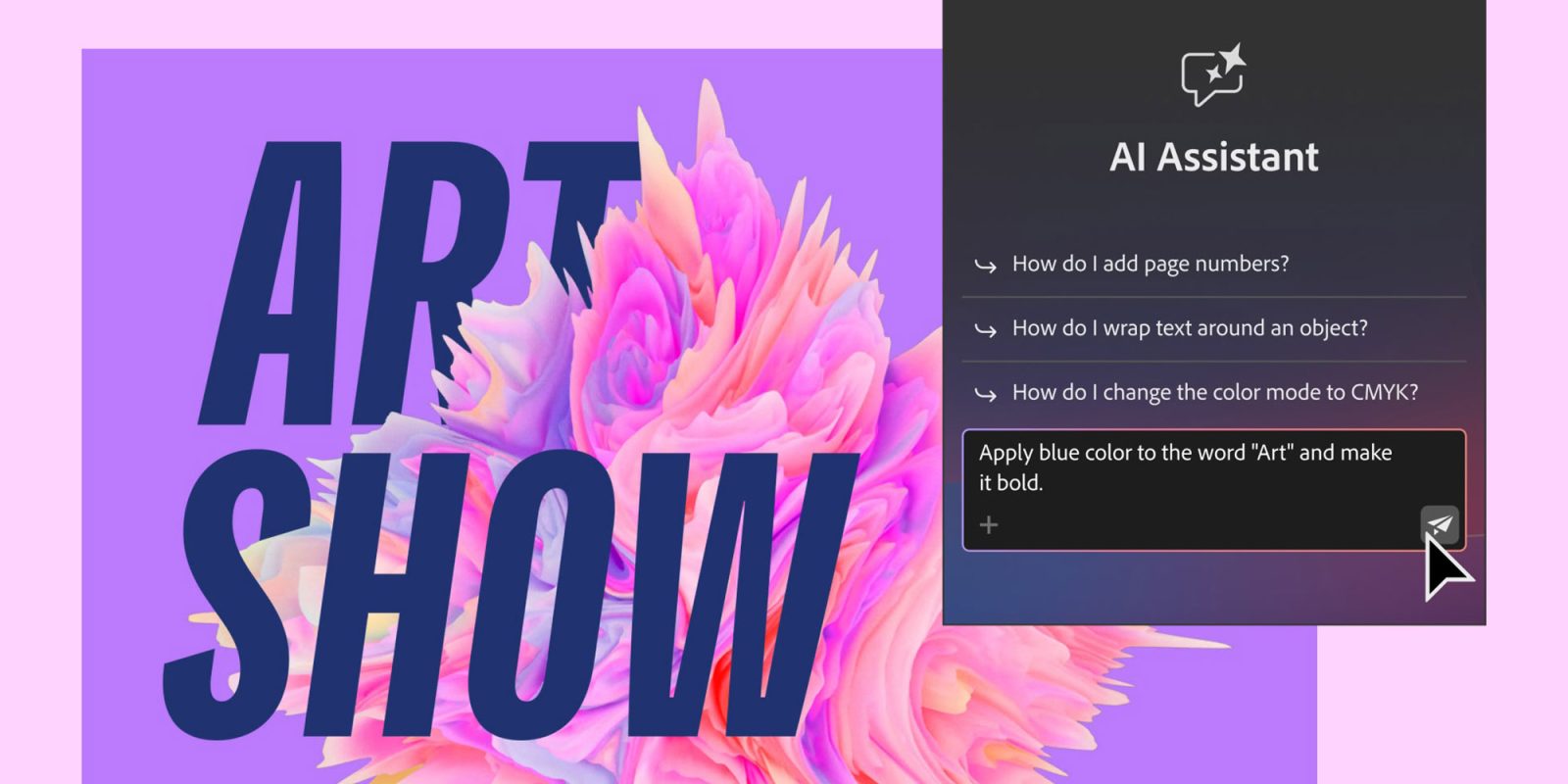
Adobe is out with a massive update to its suite of creative agents today, including new Firefly capabilities and agentic features across several Creative Cloud apps. Here are the details.
Adobe Firefly expands Create Skills library
Adobe recently introduced pre-built Creative Skills for its Firefly AI Assistant, enabling users to execute specific creative workflows via conversational prompts.
Today, Firefly is expanding this library with several features, including Brand kit creation.
This is a pre-built Skill that lets users create a full set of brand identity materials, including logos, a custom palette, and even promo videos tailor-made for different social media channels, all from a single prompt (and as many follow-ups as the user deems necessary. In fact, Firefly can also ask questions when in doubt, to create more assertive results).
When interacting with Firefly using the Brand kit creation Skill, the assistant surfaces custom-made interfaces that allow users to select fonts from Adobe Fonts, give specific camera movement instructions when turning an image into a video, and select specific colors for elements such as primary and secondary backgrounds, brand accent, text, and more.
Other pre-built Creative Skills include:
- Short product video reels, which turns images into short-form video;
- Quick Cut, which can automatically assemble different footage files into a first rough cut;
- Storyboards, which can generate videos from rough sequence ideas.
Additionally, Firefly is launching Elements, which enables the reuse of characters, locations, and objects for greater consistency across generations, and Projects, which helps keep assets, generations, and creative content more organized.
Elements and Projects launch today in private beta, ahead of a broader rollout.
Adobe expands agentic AI to Creative Cloud apps
In addition to the new capabilities rolling out on Firefly, Adobe also announced a new set of agentic features to several Creative Cloud apps, including Premiere, Photoshop, Illustrator, InDesign, and Frame.io.
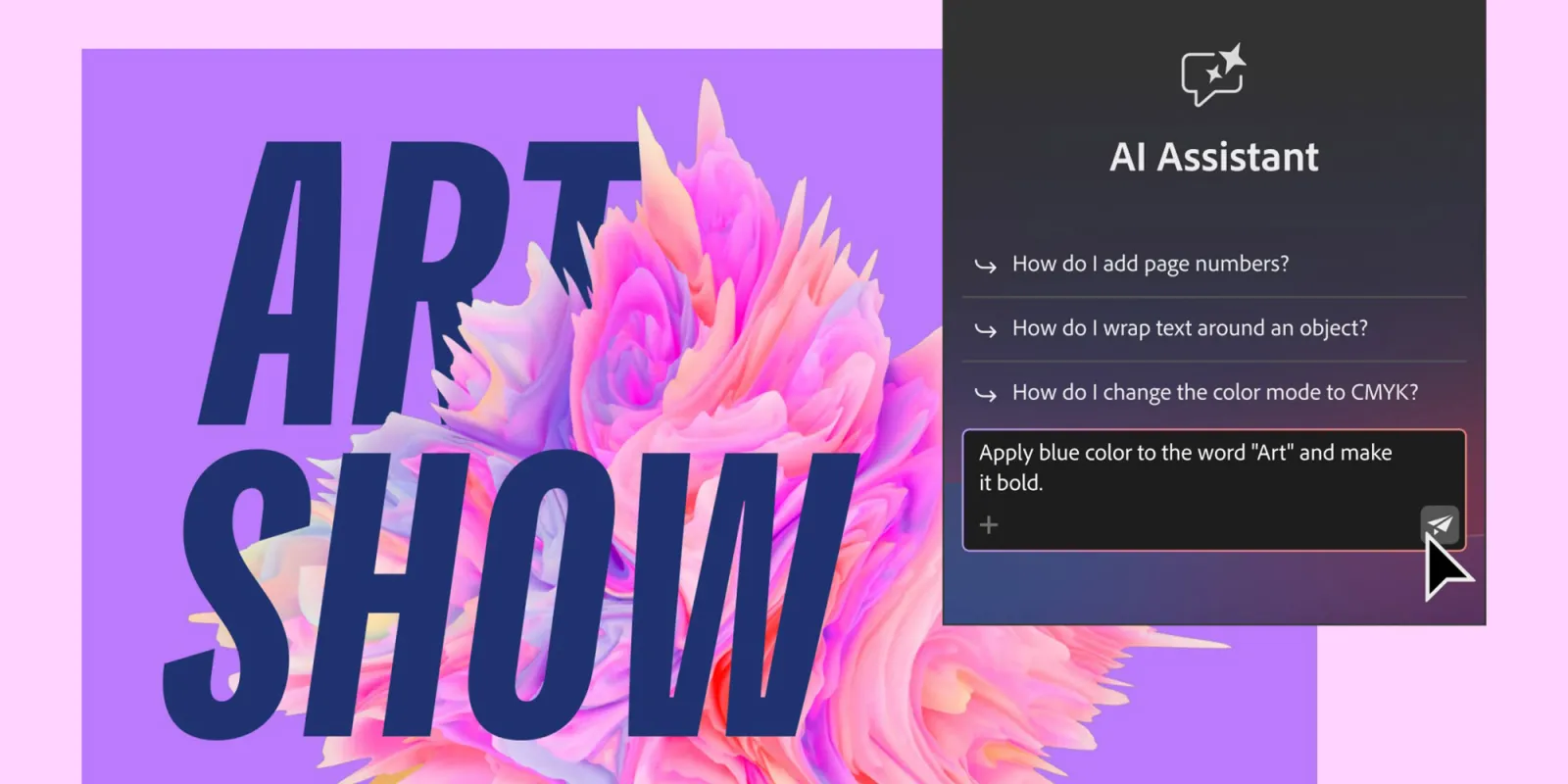
With today’s launch, these Creative Cloud apps will get a sidebar where users can send prompts and have Firefly act on their behalf.
That includes asking Firefly to organize and rename project assets in Premiere, fact-checking information against a client briefing in Photoshop, updating an InDesign project with changes to a brand’s design guidelines, running a checklist on Illustrator before printing out materials, and more.
In one particularly impressive example seen by 9to5Mac, Illustrator generated 100 randomly placed and colored vector circles across a canvas, with each circle’s scale and transparency matching its position in the layer sequence, all based on a single prompt. Although the example may seem silly, it does show how much manual work can be spared for more intricate repetitive tasks.
In another example, several footage files were placed and synced up on Premiere, leaving everything set for a multicam edit, also saving time.
Expanded availability
Capping today’s releases, Adobe announced that it is taking its agentic creative tools to ChatGPT, Claude, and Copilot, with Google Gemini integration coming soon.
This expands on last year’s rollout of Adobe Express, Adobe Photoshop tools, and Adobe Acrobat in ChatGPT, as it expands its efforts to reach “hundreds of millions of people everywhere they work.”
What’s your take on today’s announcements from Adobe? Let us know in the comments.
Worth checking out on Amazon
- Geoffrey Cain – ‘Steve Jobs in Exile’
- David Pogue – ’Apple: The First 50 Years’
- MacBook Neo
- Logitech MX Master 4
- AirPods Pro 3
- AirTag (2nd Generation) – 4 Pack
- Apple Watch Series 11
- Wireless CarPlay adapter


FTC: We use income earning auto affiliate links. More.



Source link







Comments