How to Move Structures and Buildings in Moonlight Peaks


Hamza Haq serves as a writer for the gaming guides and lists department at GameRant, while dabbling in news coverage on the side. Based in Pakistan, he has been writing professionally about games since 2023, though his love for gaming stretches back much further.
A dedicated PC gamer and a firm believer in Keyboard/Mouse supremacy, he will play Tekken with WASD if you let him. Although he considers himself a PC loyalist to the bone, he has a weakness for anything Nintendo. While he mainly enjoys RPGs, he is open to trying new things and exploring different genres, especially indies with cool ideas.
When he’s not bent over a keyboard, he’s reading fantasy novels, discovering obscure podcasts, experimenting with home-brewed coffee concoctions, and trying to convince his dad that his career is, in fact, a real job.
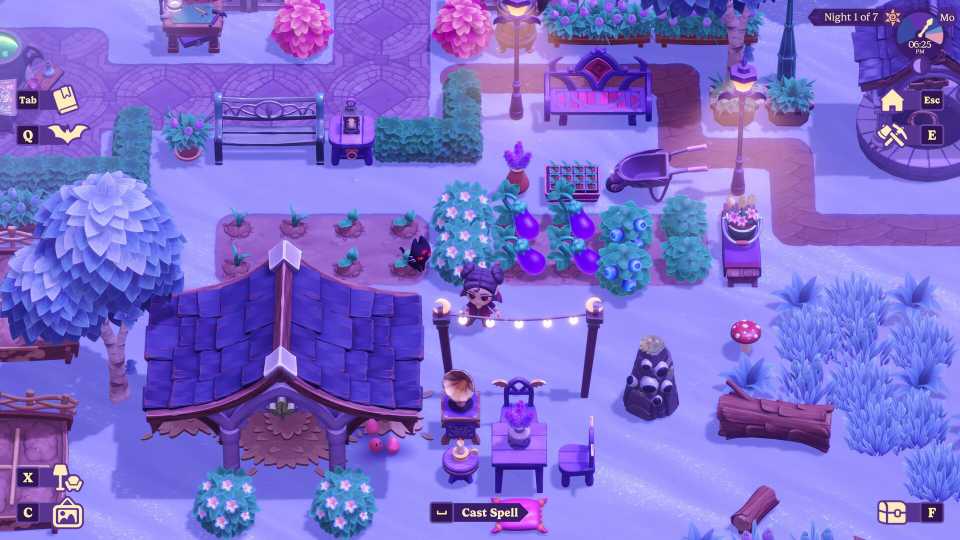
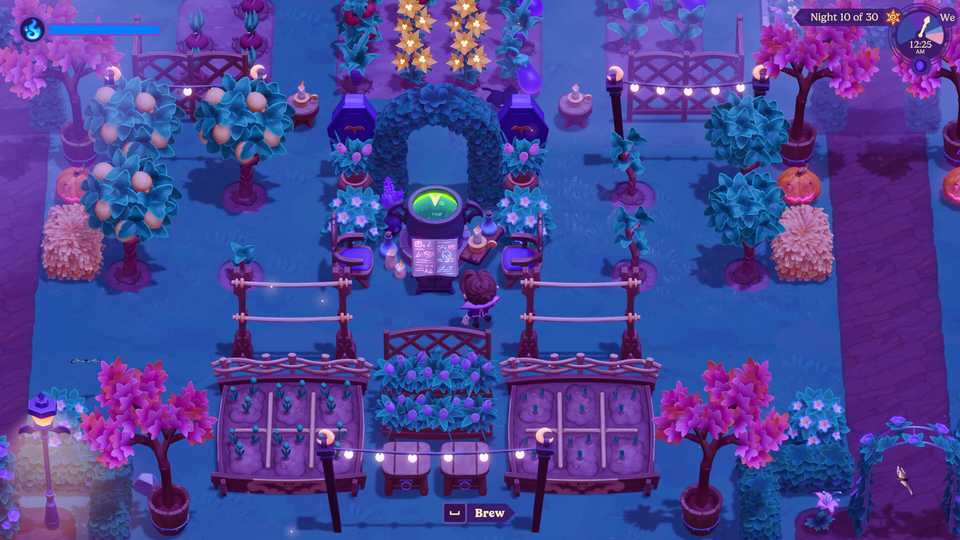
In Moonlight Peaks, players have the ability to move furniture, buildings, and even trees inside their base quite easily. However, because these functions are somewhat hidden and not explained in detail by the game itself, many players may not realize that they have the ability to do so. Here’s how this works.
How to Move Structures in Moonlight Peaks

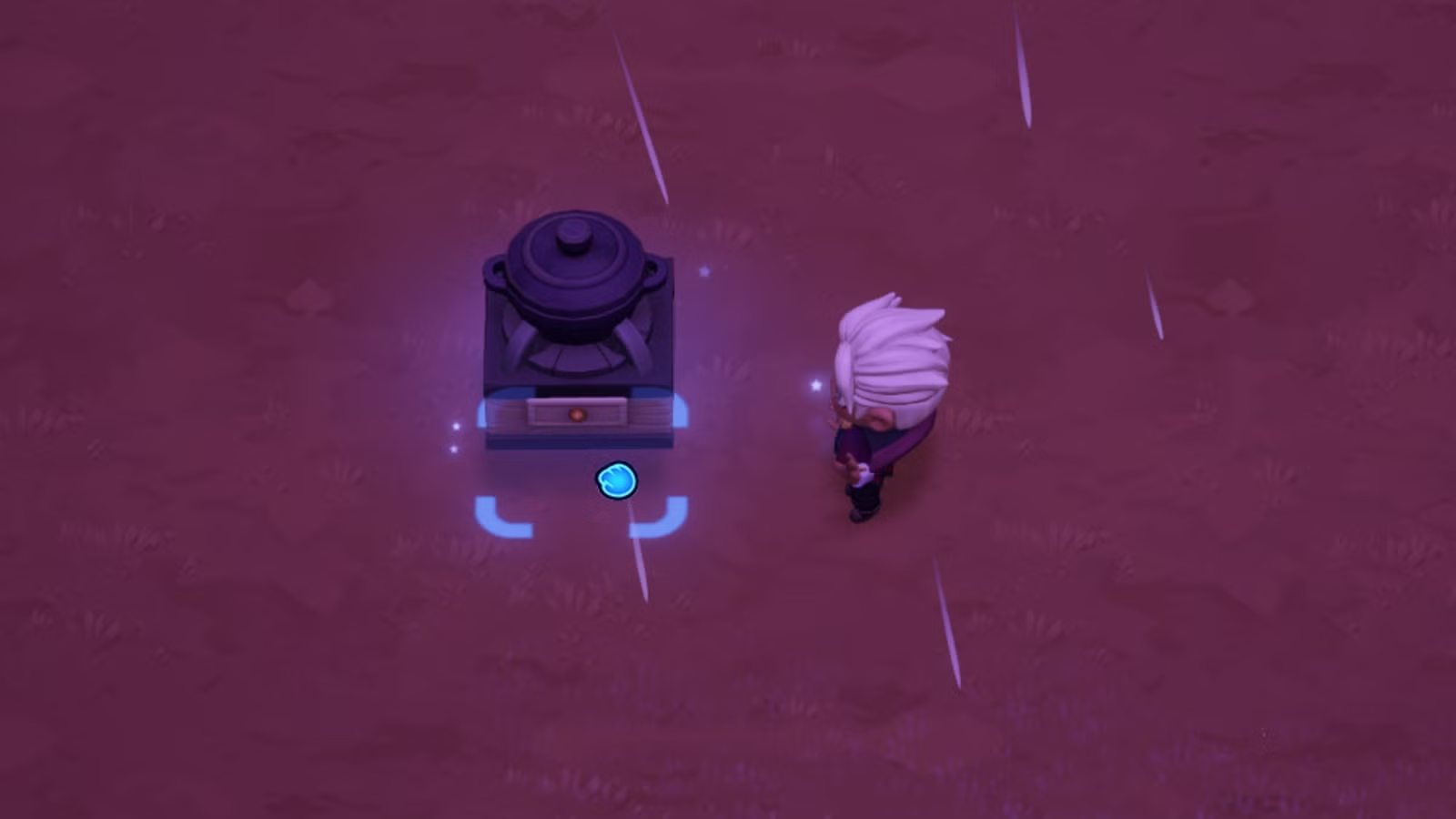
To move placeable structures like crafting stations, decorations, and furniture in Moonlight Peaks, here’s what you need to do:
- Press X (PC) or D-Pad Up (Controller) to enter Decorate Mode.
- Select the item you want to move using Left-Click (PC) or X (Controller) to pick it up.
- Move the cursor to the location where you want to move the item and press Left-Click/X again to place the item on the ground.
- Exit out of the menu by pressing Esc (PC) or Start (Controller) to confirm your selection.
You can also enter Decorate Mode by interacting with any item in your inventory, selecting “Place,” and then backing out of the placement mode.
How to Move Buildings in Moonlight Peaks


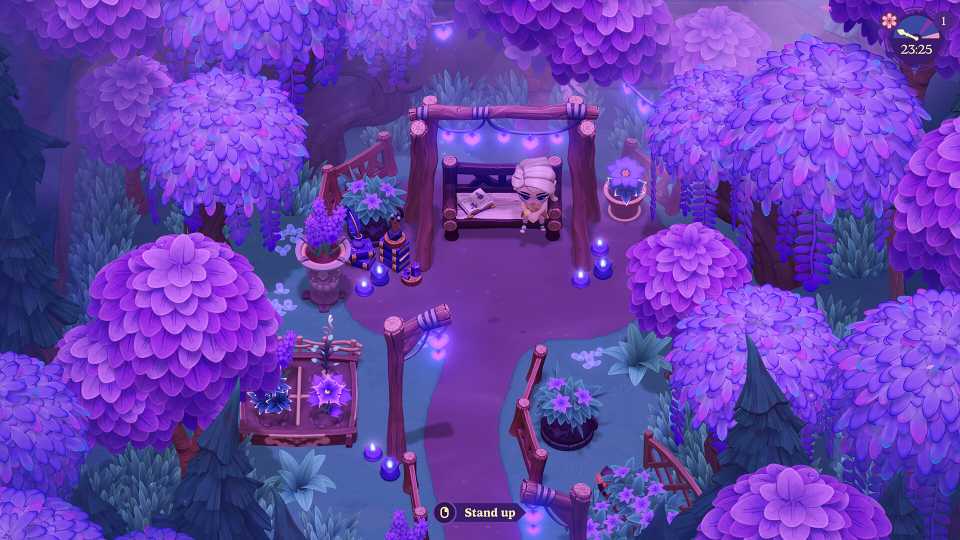
 Image via GameRant; Source: Little Chicken
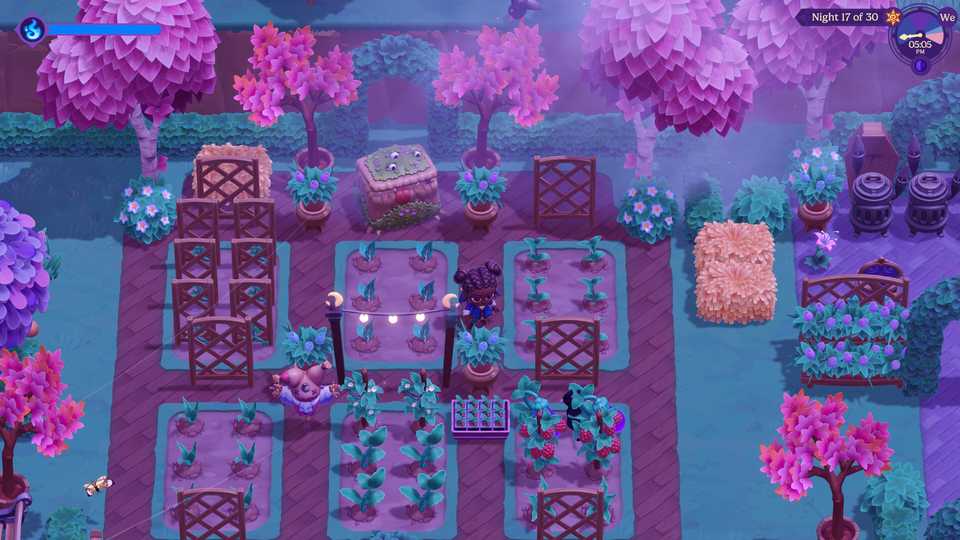
 Image via GameRant; Source: Little Chicken
 Image via GameRant; Source: Little Chicken


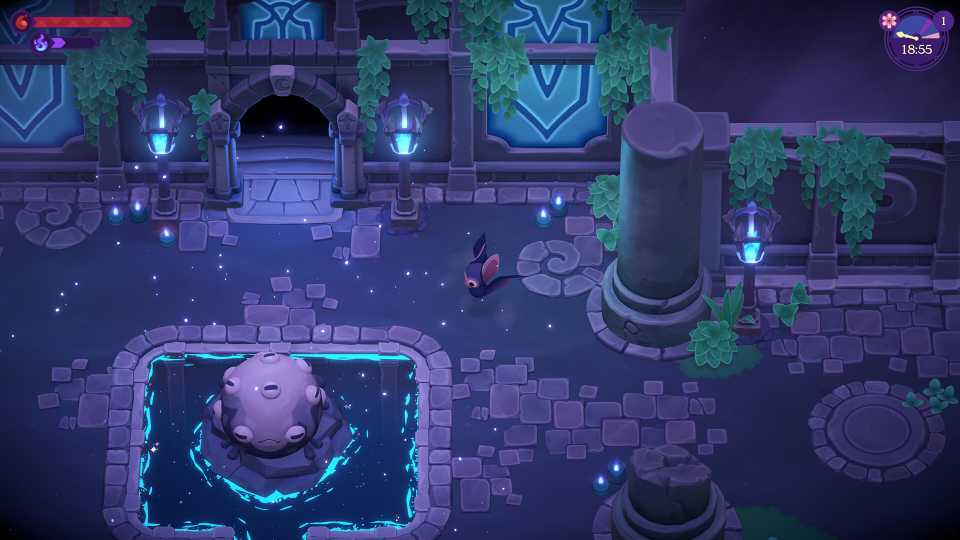
You can move buildings in Moonlight Peaks using the Hoisthaven spell, which can be purchased from the Webb of Wonders shop for 2,000 Coins.
| Spell | Effect | Cost | Location | Price |
|---|---|---|---|---|
| Hoisthaven | Magically move a building | 3 Mana | Webb of Wonders | 2,000 Coins |
Hoisthaven can be cast by moving your cursor right → up → left → right using a Wand.
After you cast this spell while standing in your base, you’ll enter a Decorate Mode-esque menu where you’re able to move buildings like the Barn, the Mill, or even your own House to anywhere on your farm, as long as there is enough empty space available.
Spells can only be cast in Moonlight Peaks after your broken Wand gets fixed.
How to Move Trees in Moonlight Peaks
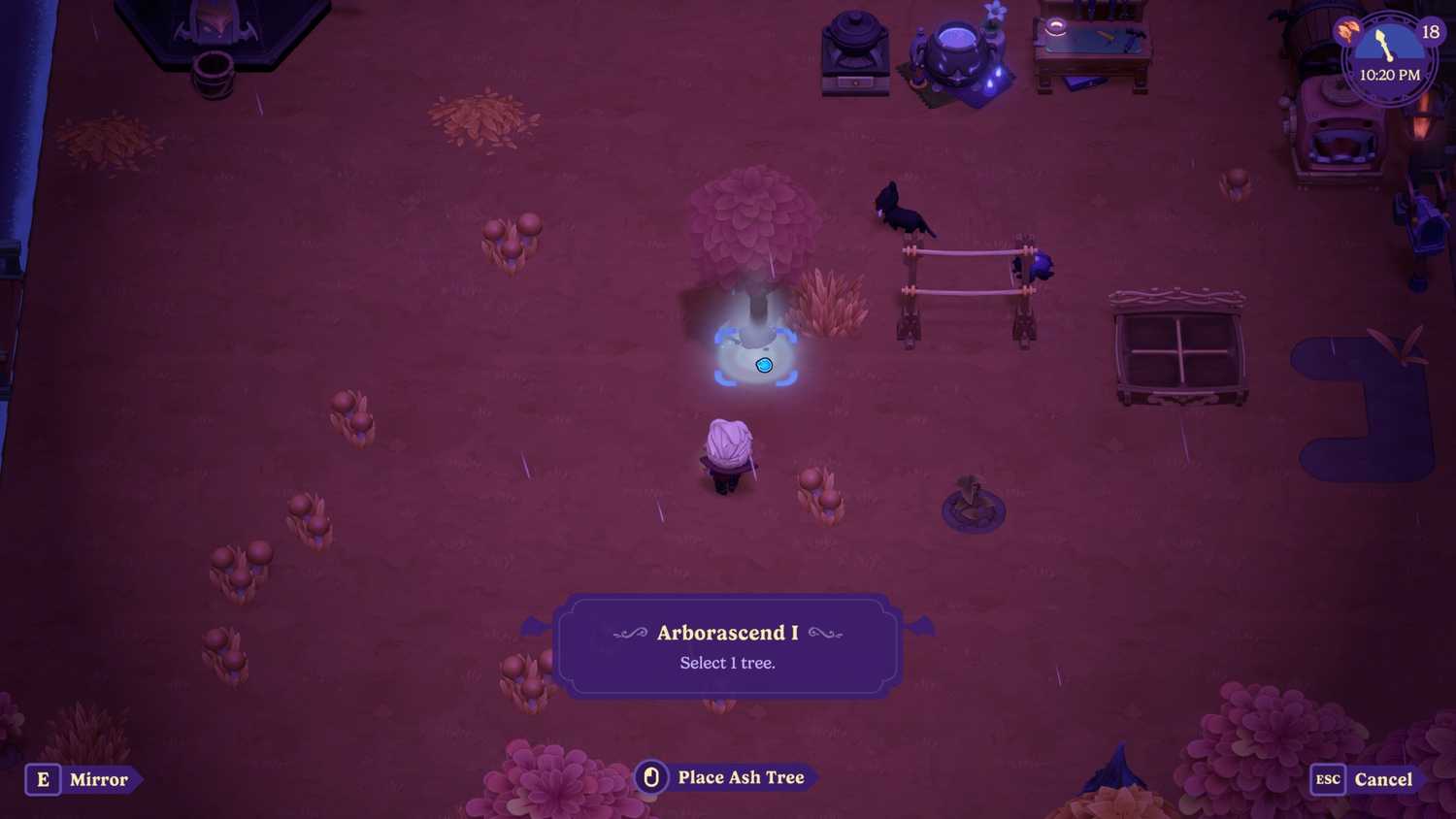
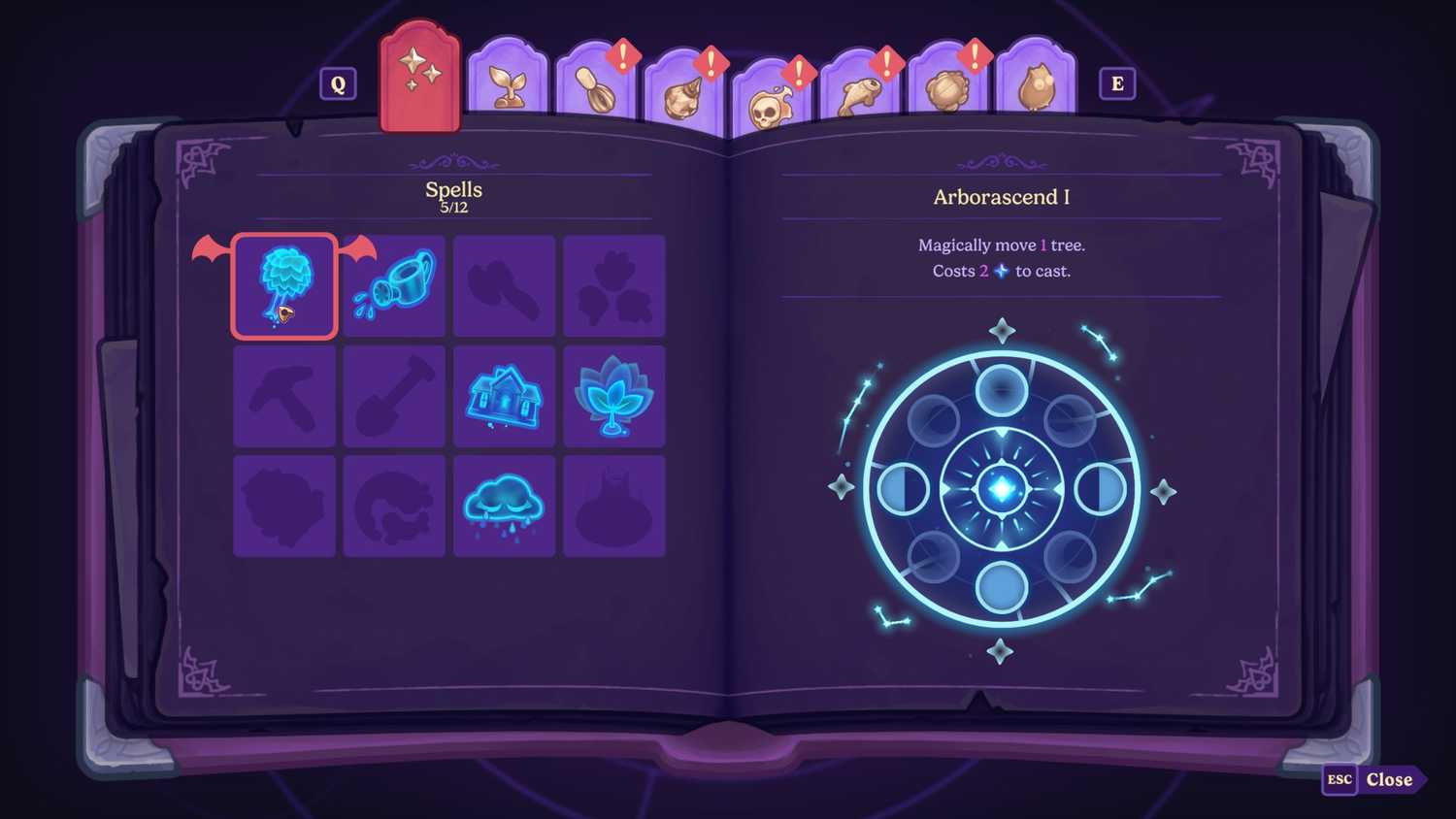


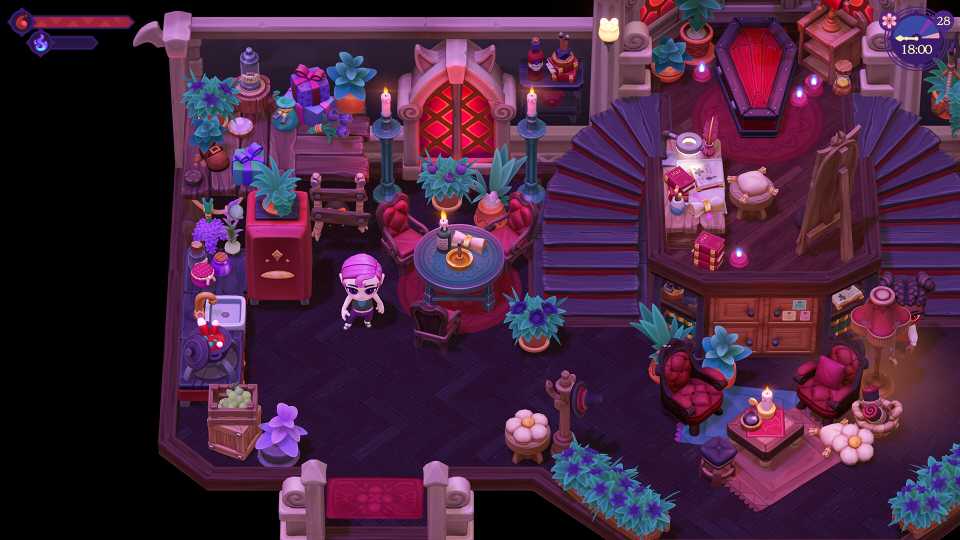
 Image via GameRant; Source: Little Chicken
 Image via GameRant; Source: Little Chicken
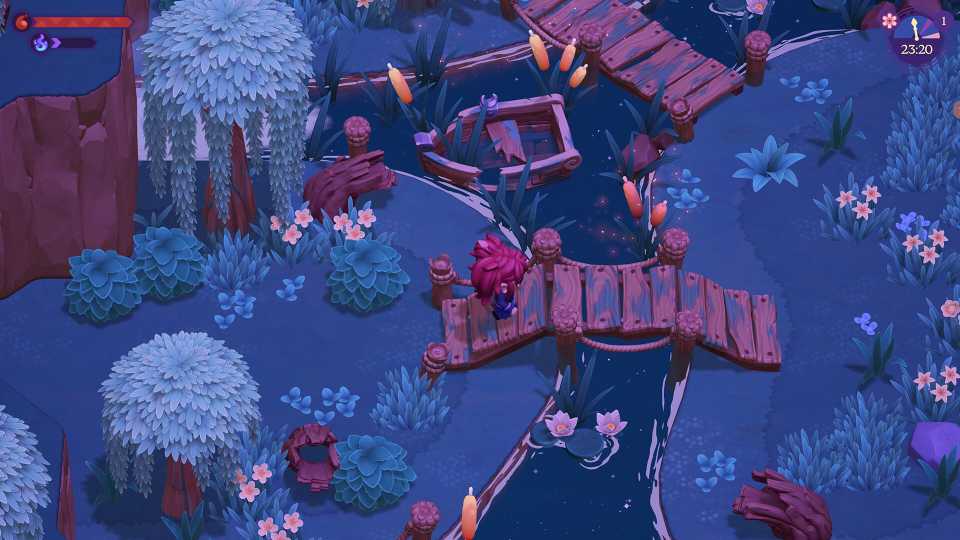
You can move Trees in Moonlight Peaks using the Arborascend I, Arborascend II, or Arborascend III spells, which can all be purchased at the Webb of Wonders for 1,200, 5,000, and 25,000 coins, respectively.
| Spell | Effect | Cost | Location | Price |
|---|---|---|---|---|
| Arborascend I | Magically move 1 tree. | 2 Mana | Webb of Wonders | 1,200 Coins |
| Arborascend II | Magically move 5 trees. | 2 Mana | Webb of Wonders | 5,000 Coins |
| Arborascend III | Magically move 10 trees. | 2 Mana | Webb of Wonders | 25,000 coins |
All Arborascend spells use the same gesture sequence: down → up → right → left → up.
The Arborascend I spell can only move 1 tree from its location to somewhere else. The second tier can move 5 trees, and the third tier can move up to 10 trees with a single cast. All three of these spells cost 2 Mana, so the efficiency goes up as you upgrade.
The higher-tier Arborascend spells only become available for purchase at the shop after you’ve purchased the preceding version.
If you’re short on the cash needed to purchase these spells, consider checking out our how to make money in Moonlight Peaks guide.


- Released
- July 7, 2026
- Developer(s)
- Little Chicken
- Publisher(s)
- XSEED Games, Marvelous
- Engine
- Unity
- Number of Players
- Single-player




WHERE TO PLAY


Source link