
College Football 27: Dynasty Recruiting Guide


Recruiting is a key part of the Dynasty mode in College Football 27, as you can't always keep all your players at the end of a season. It's important to have a clear vision of posts that require new signings. Five-star players are usually hunted pretty quickly by the big sharks of college football, and if your school is one of those sharks, or wants to become one, then you should have a clear recruitment plan. Below, we'll share the tricks you need to learn to successfully recruit new players to your team.
How Does Recruiting Work in College Football 27?

Recruiting is all about signing new players and strengthening your school's lineup for the current season or for the future. It really depends on your school's AD Expectations. If your objectives are short-term and you have to deal with impatient fans, then you should focus on short-term results. Otherwise, a long-term investment is a lot more reasonable.
Recruiting is divided into two sections: Prospects and Transfer Portal, which we'll explain below.
Prospects are young, talented players who have not yet joined any school, whereas the Transfer Portal is for signing players who are already playing for another school. Transfer Portal will only be available during the offseason, which is after the End of Season Recap. But you can sign prospects in both the offseason and the regular season.
While they have different tabs in the recruitment section, the recruiting process for both of them is similar. First, you should target any player who you think fits best into your team and budget. Also, make sure that your team's current statistics meet the player's Dealbreaker. It's a very important factor that will significantly impact a player's attitude towards your school.
Every school comes with a list of needed players for each position. You can see it on top of the Prospects or Transfer Portal tab. Unless it's mentioned as an objective in the AD Expectations, you don't have to follow that list.

Keep in mind that you have a limit for targeting. That means you can't target more than a certain number of players, which is usually around 35. As you proceed with recruiting, some players will lock you out, and removing them from the target list will open up more space for the future weeks.
Once you are done with targeting, go back to the Recruiting Board tab. Here, you can check out the rival schools that are also chasing the same players, with your ranking influencing the players' future decisions. As the recruiting process goes forward, you need to make it to the player's Top 5 and Top 3 lists. Then, Verbal Commitment and Hard Commitment will follow.
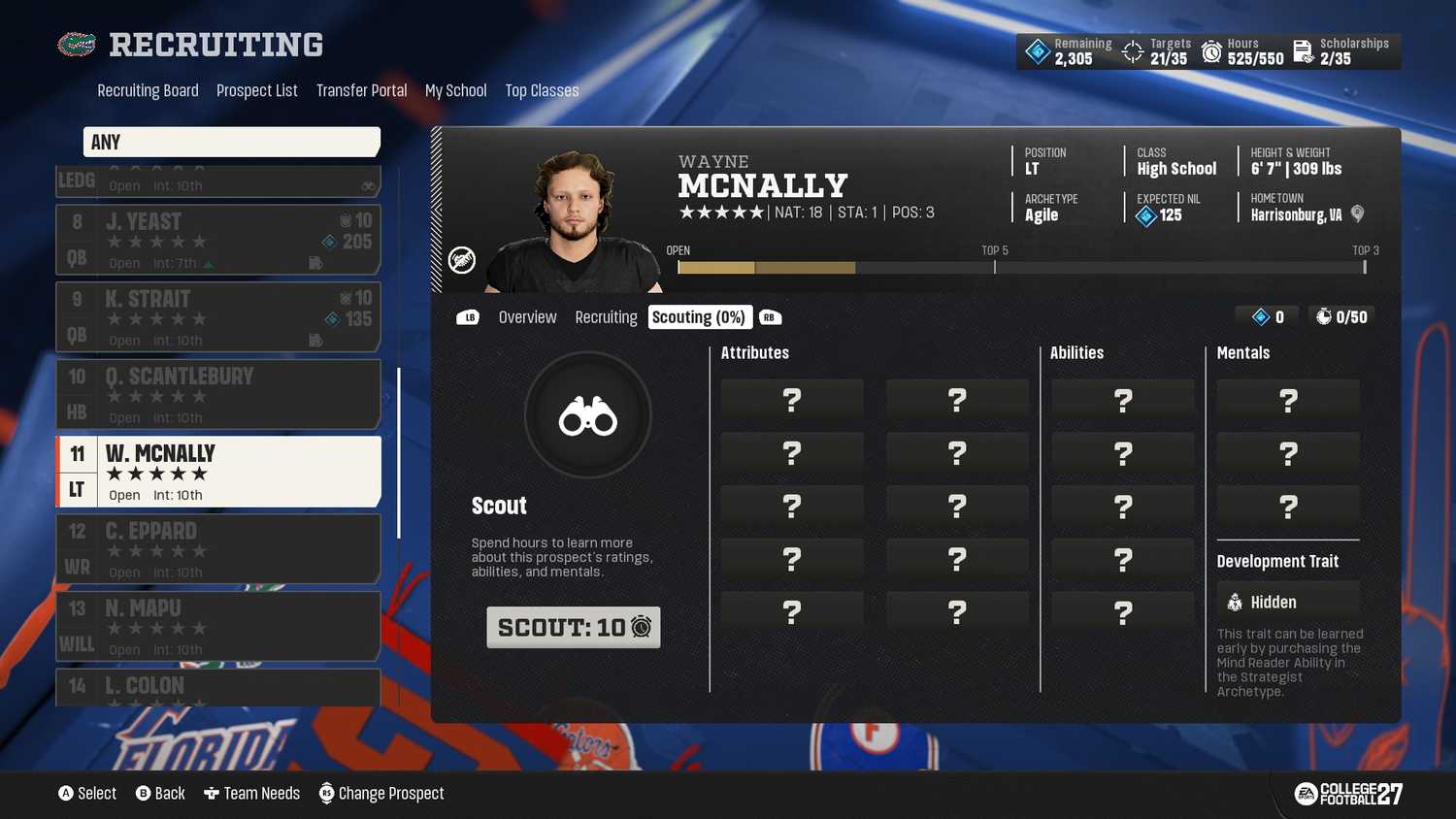
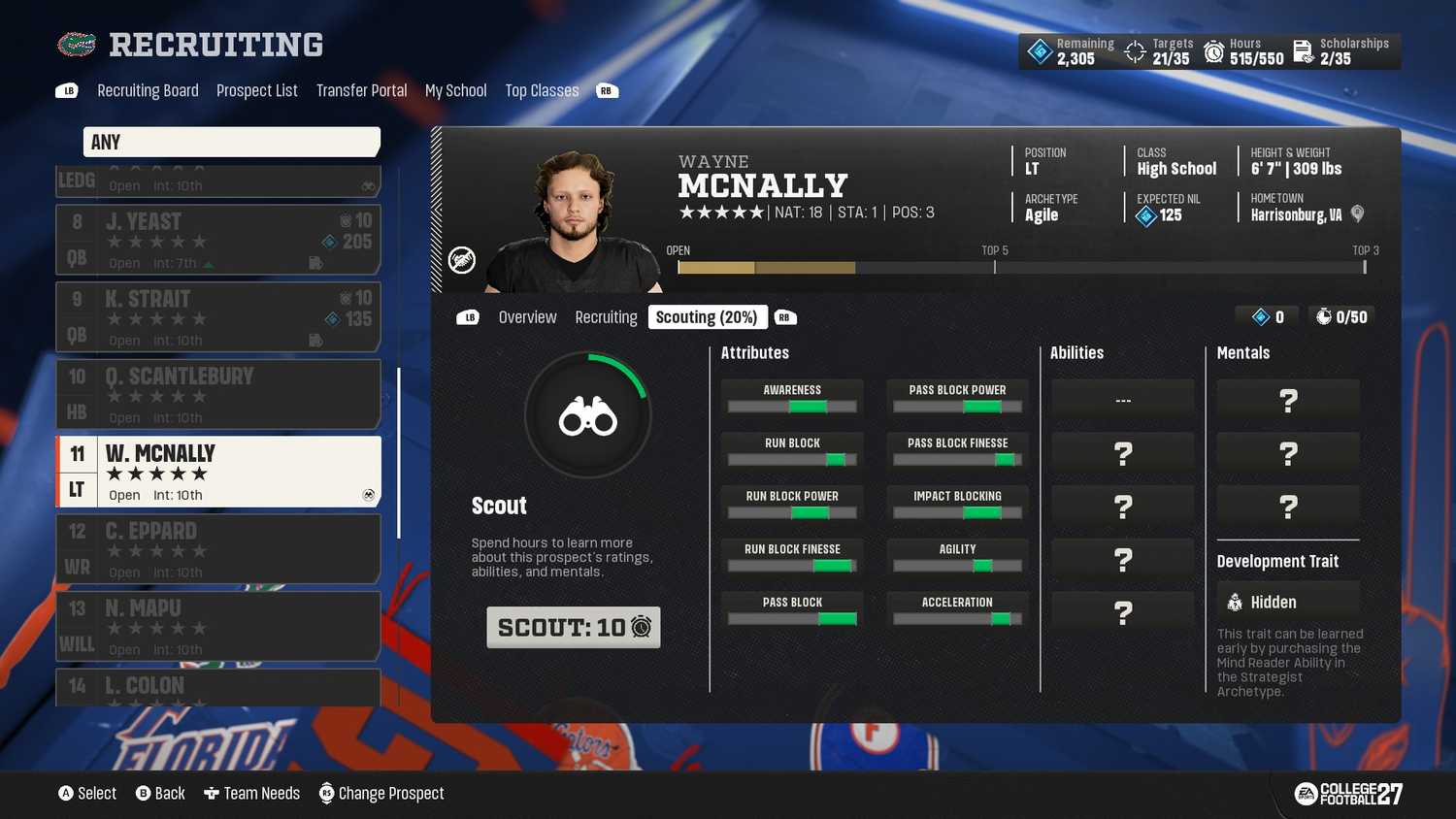
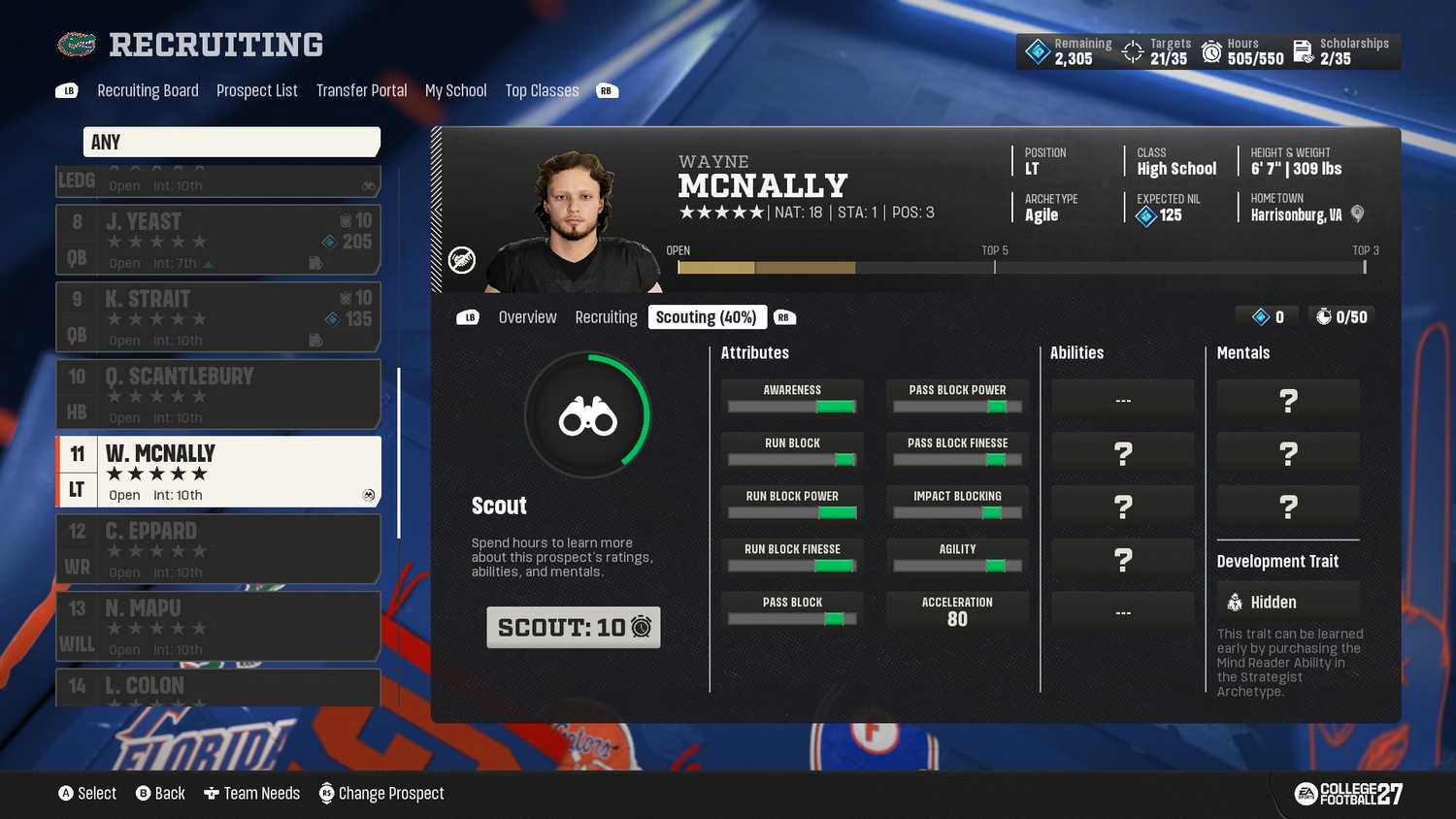
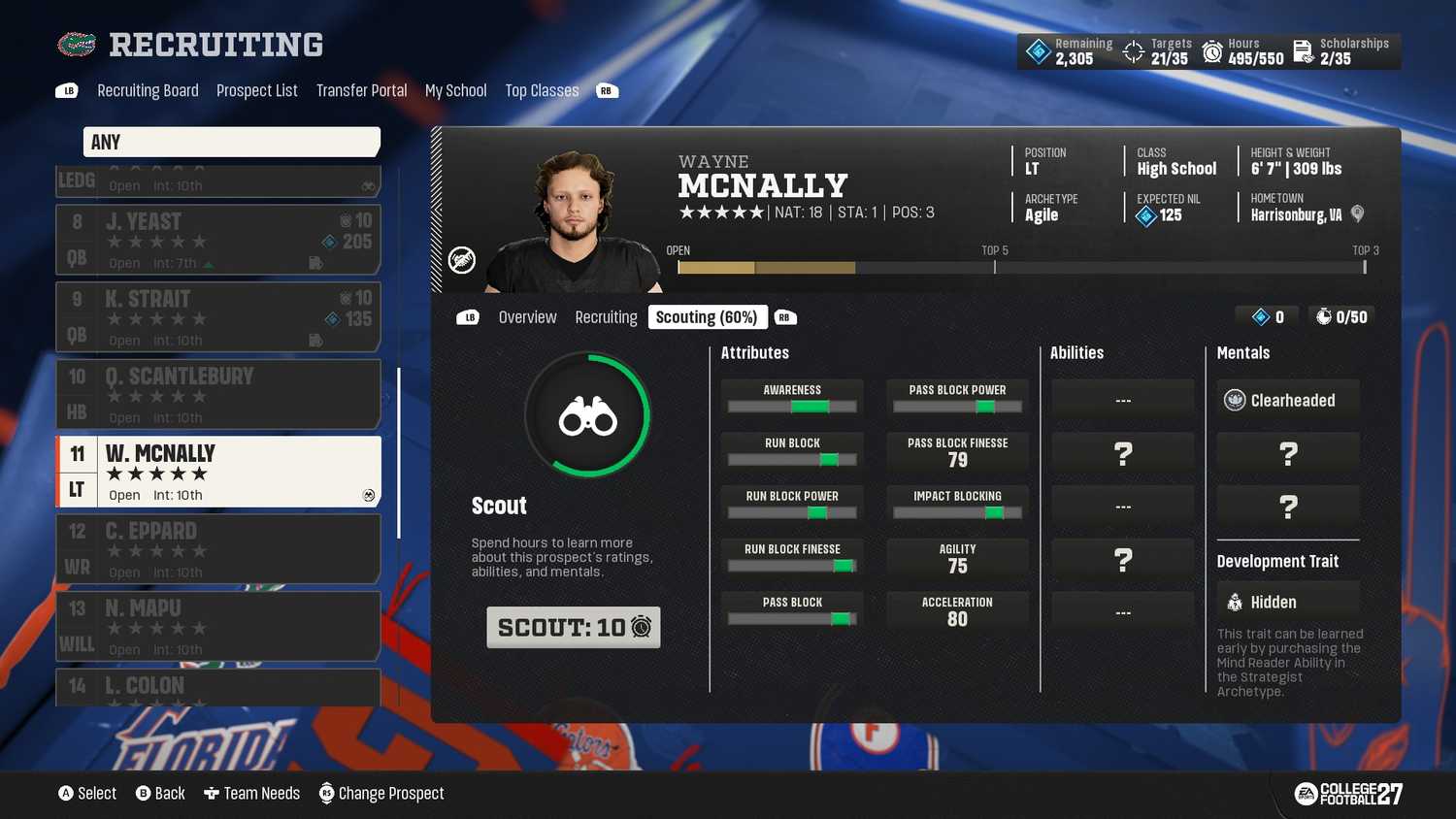
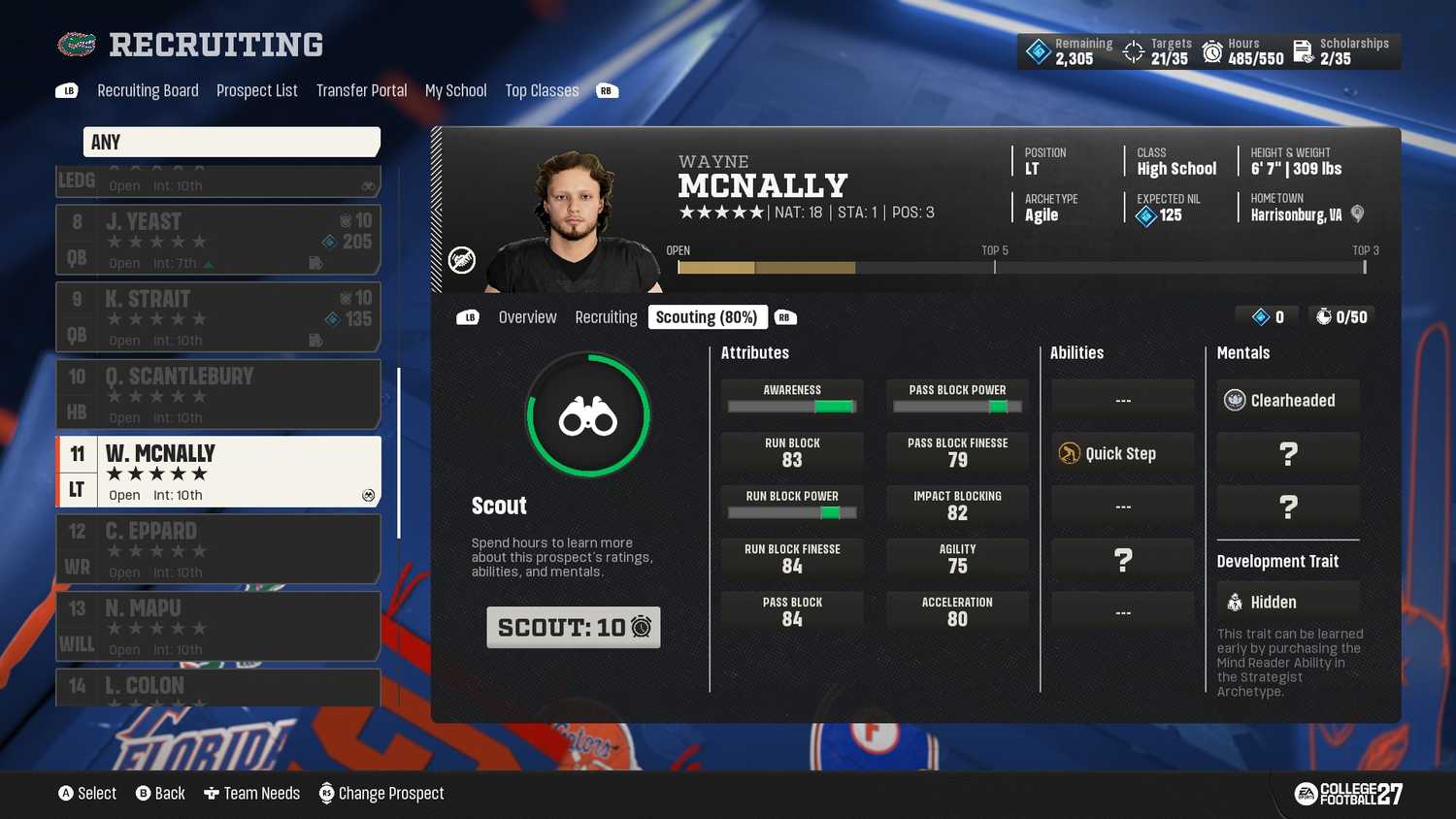
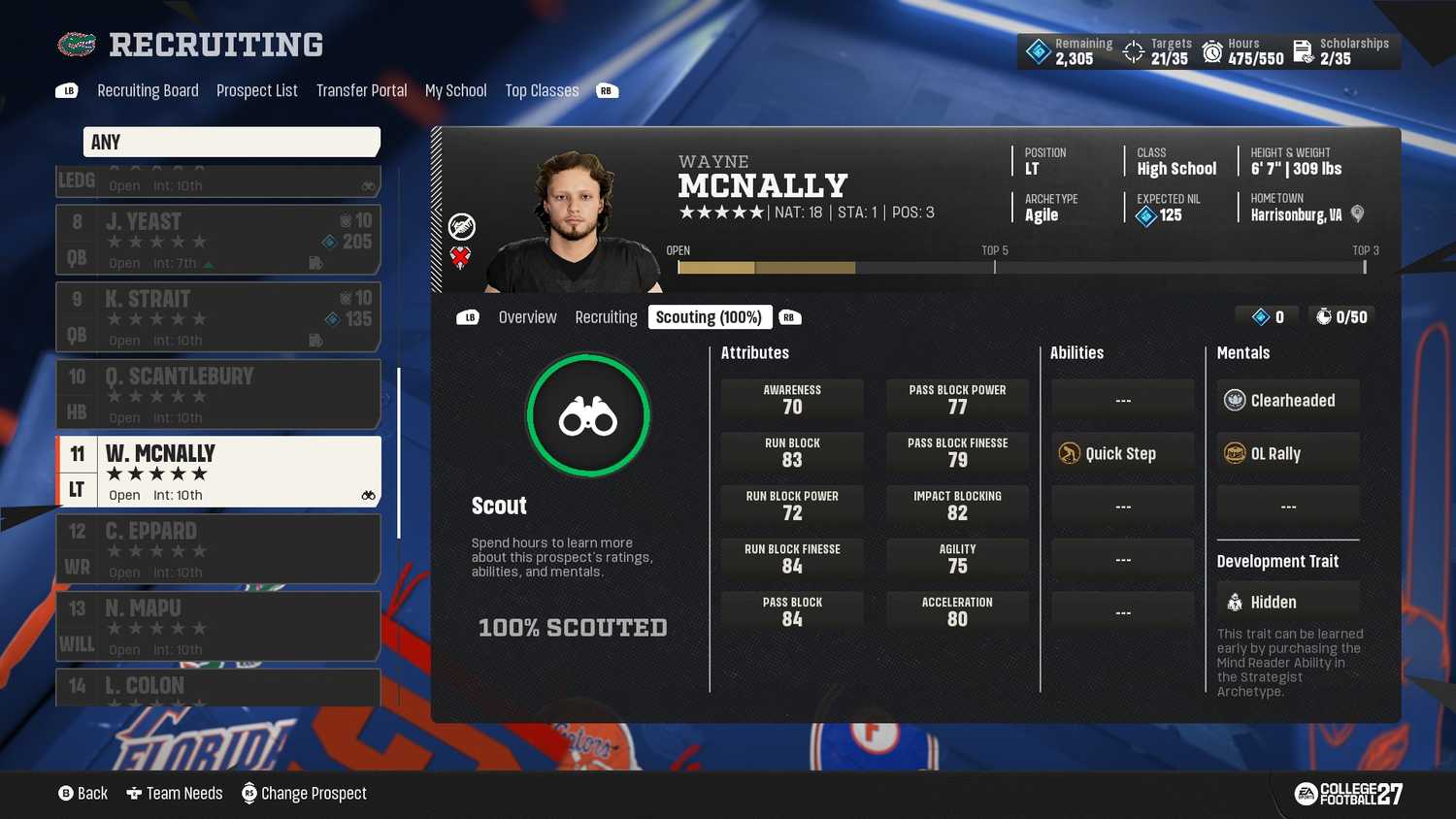


 Image: GameRant via EA
 Image: GameRant via EA
 Image: GameRant via EA
 Image: GameRant via EA
 Image: GameRant via EA
 Image: GameRant via EA
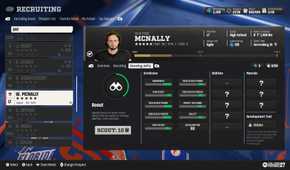
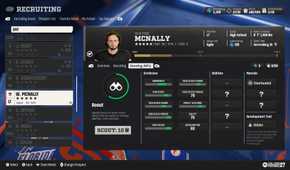
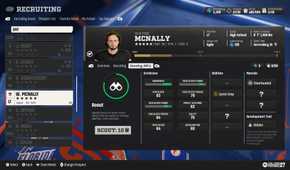
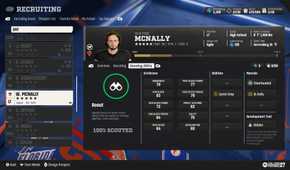
Before that, you will need to see a player's ratings. To do so, select each player in the Recruiting Board tab and move to their Scout section. Here, you can spend hours revealing a player's stats. You have a set budget of hours every week, and you need to use them wisely. It usually takes 3 to 5 scouting sessions to fully reveal a player's stats. In the first scouting attempt, you will get to see a player's rating range for each attribute.
It's highly recommended to check out the attribute ranges that are important to you and proceed with scouting only when you feel like the range is acceptable. Every scouting session costs 10 hours. So, fully revealing the stats for each player can eat up 30 to 50 hours.
Recruiting Actions, Explained

When you select a target and switch to the Recruiting tab, you will have a bunch of actions available. You should first offer a scholarship to the player. This is where you set your offered NIL while also checking out the player's expected NIL. Offering a certain amount above or below the expected NIL will turn on green or red rectangles, respectively. Those indicate the amount of influence you gain or lose on the player each week.
NIL is just one way to gain influence, but it's an editable action. Every week, you will have the chance to reduce or increase your offered NIL to the player. If you are already the top school on a player's list by a large margin, then you can safely reduce your offered NIL without losing your rank. On the other hand, you can sometimes add to your offer to increase the influence gain and reach the top of the list, while having a lower team prestige.
On the first attempt, it's always best to offer the expected value to the player and focus on gaining influence through other actions that do not require Dynasty Points. Because when you offer beyond the expected value, it becomes the player's new expected NIL. So, if you reduce your offer next week to the original expected NIL, it will indeed have a negative influence.


 Image: GameRant via EA
 Image: GameRant via EA
 Image: GameRant via EA
 Image: GameRant via EA
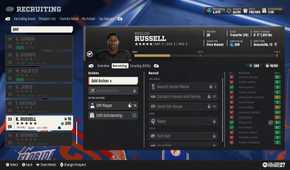
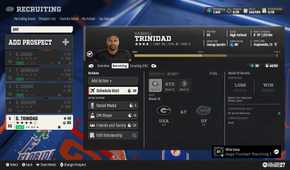
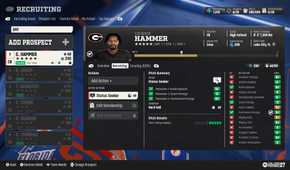
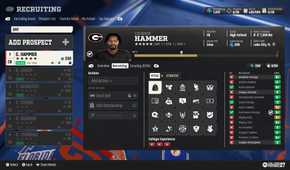
You will have only 50 hours to spend on a player a week, and you will need to make the most of them. Each action costs a set number of hours. So, it's best to plan out your strategy beforehand:
- Offer Scholarship (5 Hours)
- Search Social Media (5 Hours)
- DM the Player (10 Hours)
- Contact Friends and Family (25 Hours)
- Send the House (50 Hours)
- Schedule Visit (10 to 20 Hours)
- Sway (30 Hours)
- Soft Sell (20 Hours)
- Hard Sell (50 Hours)
Schedule Visit, Sway, Soft Sell, and Hard Sell will only be available when you make it to the player's Top 5 list.
It's worth noting that Schedule Visit does not use the player's 50-hour cap; it only uses your own hours balance. This means even if you have fully completed the 50-hour cap for the player, you can still schedule a visit for him.
The influence you gain from each of these methods is different from one player to another, but usually, the expensive actions have more impact. Schedule Visit's influence is totally dynamic. If the visit happens on a game day, the result of the match and the tier of the opponent will have a significant impact on the influence gained. If you lose your match, the visit will have a negative effect.
Sway, Soft Sell, and Hard Sell are like mini-games where you can talk to the player in a way that you only focus on the strengths of your school. Choosing either of these actions will bring up a menu of topics. Each topic focuses on three key factors of the school. You want to choose a topic where you get three ticks to have the strongest influence. A topic with two ticks will still be a positive move, too.

The good news is that you can edit your actions similar to your NIL offer. Every week, you have the option to remove some of your actions and replace them. So, the 50-hour cap for the player remains the same, but you can readjust it every week to get the best results.
As weeks pass, you will see your position updated in the overview tab of each player. When you enter the Top 3 period, when only three teams remain in the race, the team at the top in this stage will have a higher influence multiplier for their actions. That's why you need to save some hours for each player to use during the Top 3 period. This is where your actions are more valuable, despite consuming the same amount of resources.


 Image: GameRant via EA
 Image: GameRant via EA
 Image: GameRant via EA
 Image: GameRant via EA
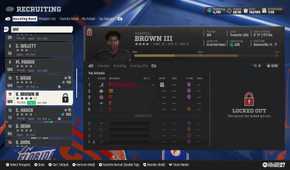
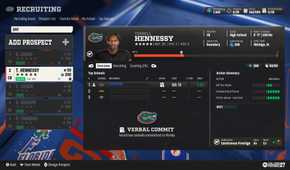


The team at the top during the Top 3 period has already earned the Verbal Commitment, but they are still not guaranteed to sign the prospect, as other teams still have the chance to gain more influence via stronger actions. The deal closes when a school gets the Hard Commitment from the player.
Your Team Prestige is Your First Limitation

Being reasonable when choosing targets is key to having an optimized recruitment window. If you are coaching a 2-star school, you shouldn't really chase after 5-star prospects on the market. Even offering a massive amount of NIL will not convince most of the top-notch prospects to join a low-ranked school, but even if they do, it's not going to work out for you, as you will have to pay that NIL every year, optimistically, to keep that player on the team.
So, try to always go only 1 star ahead of your school's prestige. It's okay if you offer a scholarship to a 3-star player while you are at a 2-star school. It's quite an achievable offer.
Don't Forget Roster NIL When Signing New Players

Always remember that every player that you sign is an added value to your Roster NIL budget in the next season. Of course, some players will leave at the end of each season, but if you overspend on players during the recruiting period, a big chunk of your next year's budget will be eaten up by the Roster NIL expenses.
The worst part is that to keep those players in the school, you may need to offer an even higher NIL every season. If your school doesn't grow in the key grades, or you fail to meet the player's Dealbreaker expectation, then all you would have to do to keep him in the school is to offer an outrageously high NIL, which is a bad habit in Dynasty mode with serious long-term consequences.
Don't Miss the Preseason For Scouting

During the preseason, you won't be able to offer scholarships to any prospect, but you can still add them to your target list and scout them. The preseason is the best period of the season to use your hours on scouting without worrying about recruiting actions.
You can scout a long list of options in the preseason and then keep the favorite players on the list to apply recruiting actions to them in the following weeks with a refreshed budget of hours.














- Developer(s)
- EA Tiburon
- Franchise
- EA Sports College Football
- PC Release Date
- July 9, 2027
- Xbox Series X|S Release Date
- July 9, 2027
- PS5 Release Date
- July 9, 2027
- Genre(s)
- Sports, Simulation
- Platform(s)
- PC, PlayStation 5, Xbox Series X, Xbox Series S

Source link